
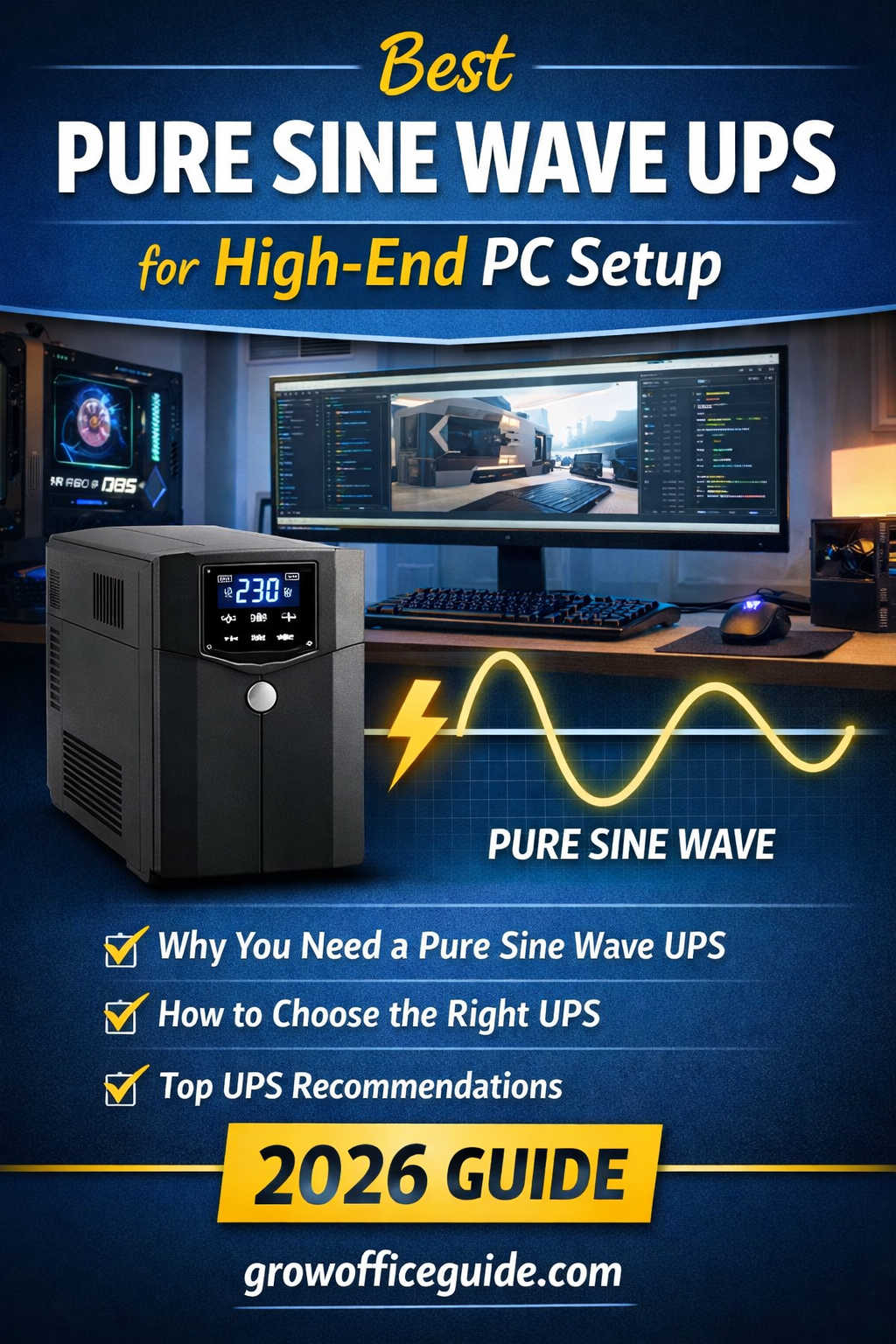
The modern home office in 2026 is no longer a lightweight setup. Many professionals now rely on powerful desktop PCs equipped with high-end GPUs, multi-monitor configurations, NAS storage, and always-on networking equipment. Whether you’re a developer, content creator, trader, or remote worker, your workstation is likely one of your most valuable assets.
But there’s one factor that often gets overlooked until something goes wrong—power quality and reliability.
Unexpected outages, voltage fluctuations, and unstable electricity can disrupt workflows, damage hardware, and cause data loss. That’s where a pure sine wave UPS (Uninterruptible Power Supply) becomes essential.
This guide is designed to help you understand everything about pure sine wave UPS systems in 2026—from how they work to how to choose the right one for your high-end home office PC. You’ll also find practical buying advice, real-world examples, product recommendations, and answers to common questions.
What Is a Pure Sine Wave UPS?
A pure sine wave UPS is a power backup device that supplies electricity in a smooth, consistent waveform—similar to the power delivered by your utility provider.
When the main power fails, the UPS switches to battery mode and continues supplying power. The key difference lies in the quality of that power output.
A pure sine wave UPS produces a clean electrical signal that ensures:
- Stable operation of sensitive electronics
- Reduced electrical noise
- Improved efficiency
- Lower risk of hardware stress
This makes it ideal for high-performance PCs and professional setups.
Why High-End Home Office PCs Need Pure Sine Wave UPS
Not all computers require the same level of power conditioning. However, high-end PCs in 2026 are significantly more demanding than older systems.
Active PFC Power Supplies
Modern desktop power supplies use Active Power Factor Correction (Active PFC). These are designed for efficiency but expect clean input power.
When paired with low-quality UPS systems that output modified or stepped waveforms, you may experience:
- Buzzing sounds from the PSU
- Random shutdowns
- Reduced efficiency
- Increased heat generation
High Power Draw and Spikes
High-end GPUs and CPUs can generate sudden spikes in power consumption. A substandard UPS may fail to handle these spikes properly, leading to:
- System instability
- Unexpected restarts
- Hardware stress over time
Data Protection
Power interruptions—even for a fraction of a second—can corrupt files, interrupt processes, and damage ongoing work. If you’re rendering videos, compiling code, or running simulations, a UPS ensures you have enough time to save your work and shut down safely.
Pure Sine Wave vs Modified Sine Wave UPS
Understanding this comparison is critical when making a purchase decision.
Pure Sine Wave UPS
- Produces smooth, utility-grade power
- Fully compatible with modern PCs
- Silent operation with minimal electrical noise
- Ideal for high-end and sensitive equipment
Modified Sine Wave UPS
- Produces stepped or square waveform
- May cause compatibility issues with Active PFC PSUs
- Can generate buzzing or heat
- Lower cost but compromises performance
For a high-end home office PC, using a modified sine wave UPS is a risk that often isn’t worth taking.
Key Features to Look for in 2026
Choosing the right UPS involves more than just picking a popular model. You need to evaluate specifications carefully.
Power Capacity (VA vs Watts)
UPS systems are rated in VA (Volt-Amps), but what really matters is the watt rating.
- 1000VA ≈ 600–700W
- 1500VA ≈ 900–1200W
- 2000VA ≈ 1400W+
For high-end PCs, always calculate your actual power consumption and choose a UPS with at least 20–30% headroom.
Battery Runtime
Runtime determines how long your UPS can keep your system running during an outage.
Typical ranges:
- 5–10 minutes at full load
- 15–30 minutes at moderate load
This is usually enough time to:
- Save your work
- Shut down safely
- Continue working through short outages
Transfer Time
Transfer time refers to how quickly the UPS switches from mains power to battery.
- Standard UPS: 2–6 milliseconds
- Online UPS: 0 milliseconds
A fast transfer time ensures your PC doesn’t restart during power cuts.
Automatic Voltage Regulation (AVR)
AVR stabilizes voltage fluctuations without switching to battery mode. This is especially important in regions with unstable electricity.
It protects your system from:
- Voltage dips
- Surges
- Brownouts
Battery Type
Two main battery types are common:
Lead-Acid Batteries
- Affordable
- Widely available
- Require replacement every 2–3 years
Lithium-Ion Batteries
- Longer lifespan
- Faster charging
- Lightweight
- More expensive
Build Quality and Cooling
A high-quality UPS should include:
- Efficient cooling system
- Durable internal components
- Overload protection
- Short-circuit protection
How to Choose the Right UPS for Your Setup
Let’s make this practical.
Example Setup
- High-end PC with GPU: 600W
- Monitor: 80W
- Router + peripherals: 40W
Total Load: ~720W
Recommended UPS
- Minimum: 1500VA
- Ideal: 2000VA
This ensures stable performance and allows room for upgrades.
Best Pure Sine Wave UPS Recommendations (2026)
Here are some reliable categories and models to consider.
Entry-Level (Best for Single PC Setup)
- 1000VA–1500VA capacity
- Suitable for basic high-end setups
- Affordable option
Recommended models:
Mid-Range (Best Value for Money)
- 1500VA–2000VA capacity
- Better runtime and stability
Recommended models:
High-End / Professional Use
- 2000VA and above
- Ideal for multi-device setups
Recommended models:
Common Mistakes to Avoid
Choosing Based on Price Alone
Cheaper UPS units often compromise on waveform quality and reliability.
Ignoring Watt Rating
Always check watt capacity—not just VA.
Underestimating Load
Future upgrades can increase power requirements.
Skipping Maintenance
Batteries degrade over time and need replacement.
Benefits of Using a Pure Sine Wave UPS
- Protects expensive hardware
- Prevents data loss
- Ensures system stability
- Extends lifespan of components
- Provides peace of mind
UPS Types Explained
Offline UPS
- Basic protection
- Lowest cost
- Not ideal for high-end PCs
Line-Interactive UPS
- Includes AVR
- Best balance of price and performance
Online UPS
- Zero transfer time
- Continuous power conditioning
- Highest cost but best performance
Maintenance Tips for Long-Term Reliability
To keep your UPS performing well:
- Test monthly
- Replace batteries every 2–3 years
- Avoid overloading
- Keep in a cool, ventilated space
- Clean dust regularly
Future Trends in UPS Technology (2026)
Smart UPS Systems
- App-based monitoring
- Remote shutdown capabilities
- Real-time analytics
Lithium-Based UPS
- Longer lifespan
- Compact design
- Increasing adoption
Hybrid Power Systems
- Integration with solar panels
- Extended backup capabilities
Frequently Asked Questions (FAQs)
Do I really need a pure sine wave UPS for my PC?
If you have a high-end PC with a modern power supply, yes. It ensures compatibility, stability, and long-term reliability.
How long will a UPS run my PC?
Typically 5–15 minutes depending on load and battery size. Enough for safe shutdown or short outages.
Can I use a modified sine wave UPS instead?
You can, but it’s not recommended for high-end systems due to potential compatibility issues.
What size UPS do I need?
Calculate your total watt usage and add at least 25% extra capacity. For most high-end PCs, 1500VA–2000VA is ideal.
How often should I replace the battery?
Every 2–3 years for lead-acid batteries. Lithium batteries last longer.
Does a UPS increase electricity bills?
Not significantly. It only draws extra power when charging the battery.
Final Thoughts
A high-end home office PC is a serious investment, and protecting it should be a priority. Power instability is unpredictable, but the damage it can cause is very real—from lost work to expensive hardware failures.
A pure sine wave UPS is one of the smartest additions you can make to your setup. It delivers clean, reliable power, ensures system stability, and gives you enough time to handle unexpected outages without panic.
In 2026, where productivity depends heavily on uninterrupted computing, a UPS is no longer optional—it’s essential.
If you’re building or upgrading your home office, make sure your power backup system is just as capable as the rest of your setup.