
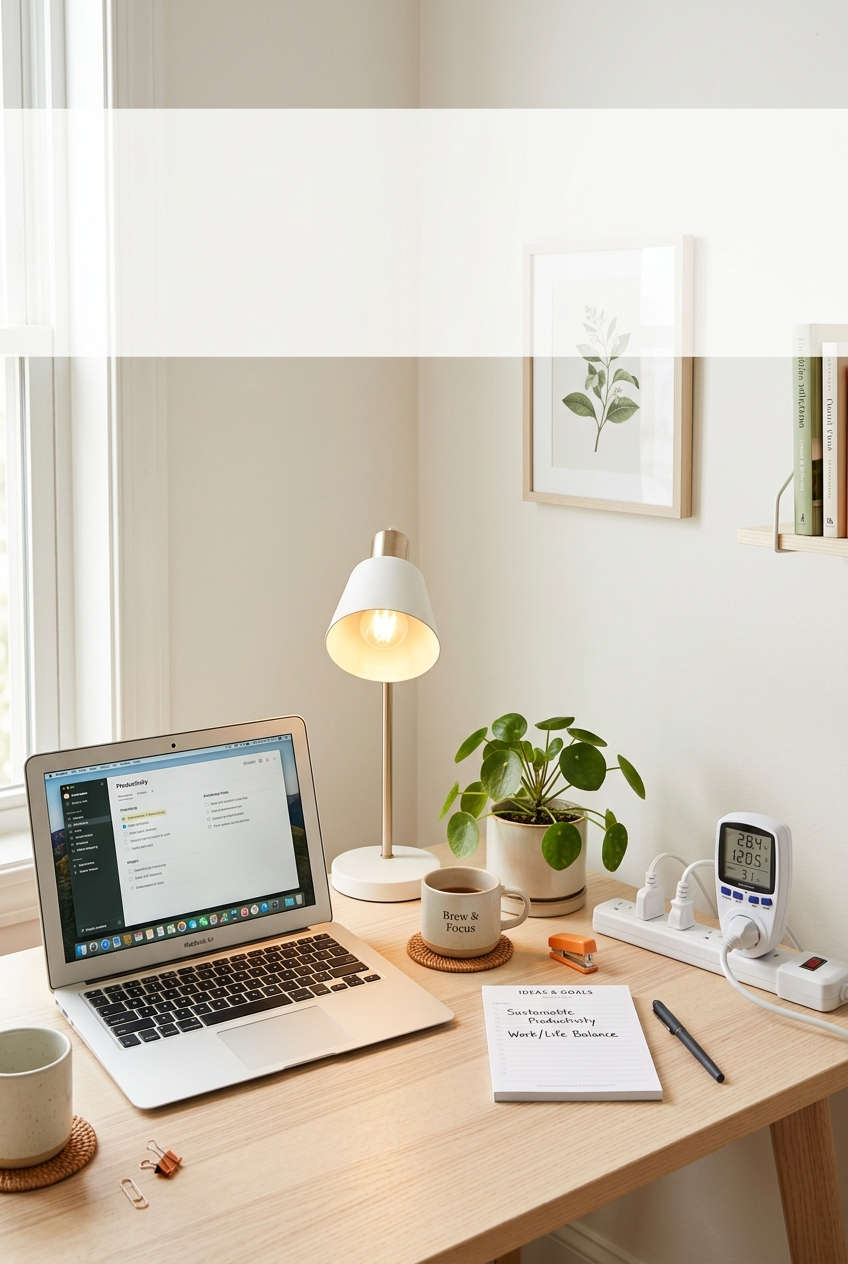
Working from home means your spare room is now running like a small workplace. A computer, a monitor or two, a router, lights, and maybe a heater or fan can all stay on for most of the day. Few people ever check what that costs, and a good chunk of it is usually wasted.
A home office energy audit is simply a close look at where your power goes and which habits or devices are quietly costing you money. You don’t need special training. An afternoon, a notepad, and one cheap gadget are enough to get started.
Why a Home Office Energy Audit Is Worth Your Time
An audit pays off in a few ways:
- Smaller bills. Equipment that runs all day adds up, so even small fixes save money over a year.
- A more comfortable room. Drafts, glare, and hot or cold spots make it harder to concentrate.
- Possible tax relief. Self-employed people can sometimes deduct part of their home office running costs. Rules vary by country, so check with a local accountant.
- A lower carbon footprint. Using less electricity is one of the easiest ways to cut emissions at home.
What You Need Before You Start
Gather these first:
- A notepad or spreadsheet
- A plug-in energy meter (often sold as a “watt meter” or “kill-a-watt” device)
- A flashlight
- A stick of incense or a thin candle for checking drafts
- Your last 6 to 12 months of utility bills
The energy meter is the one item worth buying if you don’t own it. It costs little and shows what each device really draws.
Step 1: Find Your Starting Point
You can’t measure progress without a baseline. Pull out your recent electricity bills (and gas bills if you heat with gas) and write down three things:
- Your average monthly usage in kilowatt-hours (kWh)
- Your price per kWh
- Any seasonal spikes, such as high summer cooling costs or winter heating costs
Your bill covers the whole house, so you can’t read the office’s share from it directly. The next steps help you estimate that share.
Step 2: List Everything That Plugs In
Walk around your workspace and write down every device, including the ones you forget about. Check behind the desk, too.
A typical list includes:
- Laptop or desktop computer and its charger
- One or more monitors
- Router, modem, and any network switch
- Printer or scanner
- Desk lamp and ceiling lights
- Phone, tablet, and headphone chargers
- Speakers, webcam, and docking station
- Heater, fan, or air conditioner
Next to each item, note the wattage (usually printed on a label or the power adapter), how many hours a day it’s actually in use, and how many hours it stays plugged in but idle.
Step 3: Measure What Each Device Really Uses
The wattage on a label is a maximum, not what the device draws day to day. Plug your energy meter into the wall, plug the device into the meter, and record two readings:
- Active use: the draw while you’re working
- Standby: the draw when it’s off, asleep, or idle
Standby power, also called phantom load or vampire power, is where many people find their biggest surprise. Printers, docking stations, monitors, and chargers each sip a few watts all day and all night.
Use this formula to turn watts into money:
Watts × hours per day ÷ 1,000 = kWh per day
Then multiply the kWh by your price per unit.
Here’s a worked example using a price of 0.15 per kWh:
| Device | Draw | Hours/day | Monthly use (22 workdays) | Approx. monthly cost |
|---|---|---|---|---|
| Desktop computer | 150 W | 8 | 26.4 kWh | 3.96 |
| Space heater | 1,500 W | 4 | 132 kWh | 19.80 |
| Standby loads (all devices combined) | 12 W | 24 | about 8.6 kWh (30 days) | 1.30 |
The numbers are illustrative, but the pattern is common: one heater can cost far more than all your electronics combined. Rank your own devices from most to least expensive. Two or three usually account for most of the bill.
Step 4: Upgrade Your Lighting
Lighting is one of the cheapest and fastest improvements.
- Switch to LEDs. LED bulbs use a fraction of the energy of older incandescent or halogen bulbs and last many times longer.
- Make the most of daylight. Place your desk so light comes in from the side. This lights your work area without throwing glare onto your screen.
- Light the task, not the room. A good desk lamp often does a better job than a bright overhead light.
- Turn lights off automatically. A timer or motion sensor helps if you tend to forget.
Step 5: Hunt Down Drafts and Heat Loss
Heating and cooling usually take the biggest share of household energy, so check how well your office holds its temperature.
- Windows and doors. On a breezy day, hold a lit candle or incense stick near the edges. If the flame flickers or the smoke drifts sideways, you’ve found a leak.
- Wall outlets and switches. Those on exterior walls often leak air. Foam gaskets fit behind the cover plates and cost very little.
- Floors and ceilings. A cold floor or a stuffy ceiling can point to poor insulation below or above.
- Glass. Single-pane windows lose heat quickly. Insulating window film, thick curtains, or cellular shades help without the cost of replacement.
Seal what you find with weatherstripping or caulk. Fixing drafts is often the best return on effort in the whole audit.
Step 6: Review How You Heat and Cool the Room
Ask yourself a few questions:
- Are you heating or cooling the whole house for one occupied room?
- Does your thermostat follow a schedule that matches your working hours?
- Are any vents blocked by a desk, shelf, or equipment?
- When did you last clean or replace the air filter?
If the office is always warmer or colder than the rest of the house, the room likely needs better insulation or airflow. A small heater or fan can be more efficient than conditioning the whole home, but use it only when needed and follow the manufacturer’s safety instructions.
Step 7: Cut Standby Power
Now put your Step 3 readings to use.
- Plug your computer, monitors, printer, and accessories into a switchable power strip and turn it off at the end of the day.
- Use smart plugs or timers on devices that don’t need to run overnight.
- Unplug chargers that aren’t charging anything.
- Turn on sleep mode for your computer and monitors, and shorten the idle timeout.
Put your router and anything else that must stay on around the clock on a separate outlet so you don’t switch them off by accident.
Step 8: Choose Efficient Equipment When It’s Time to Replace
You don’t need to throw out working gear. When something does wear out, keep these points in mind:
- Laptops generally draw much less power than desktop computers.
- Monitors with energy-saving features and adjustable brightness use less power, and turning the brightness down helps too.
- Printers that you rarely use can be switched off between jobs.
- Efficiency labels such as ENERGY STAR (or the equivalent in your region) make comparison easier.
Step 9: Turn Your Findings Into an Action Plan
Sort what you found into three groups:
| Timeline | Examples | Effort and cost |
|---|---|---|
| Today | Switchable power strip, sleep settings, LED bulbs | Minutes, low cost |
| This weekend | Weatherstripping, outlet gaskets, curtains, moving your desk | A few hours, modest cost |
| Later | Efficient monitor or laptop, new windows, added insulation | Bigger budget, plan ahead |
Start with the first group. Those changes cost the least and begin saving right away.
Step 10: Check Your Results and Repeat
An audit only matters if you follow up.
- Compare your next few bills with your baseline, keeping weather and season in mind.
- Re-measure your biggest consumers after you make changes.
- Run a quick mini-audit once a year, or whenever you add new equipment.
Common Mistakes to Avoid
- Guessing instead of measuring. People often blame the wrong device. A meter settles the question quickly.
- Saving at the cost of comfort. If the room becomes unpleasant, you’ll undo your own changes.
- Ignoring safety. Don’t overload power strips, and follow the instructions that come with any heater.
- Dismissing small drains. A few watts running all day, every day, add up over a year.
Frequently Asked Questions
How long does a home office energy audit take?
A basic audit takes about two to three hours. Most of that time goes to listing devices and taking meter readings.
Do I need professional equipment?
No. A plug-in energy meter, a flashlight, and a candle or incense stick cover most of what a DIY audit needs. A professional audit can be useful later if you want a deeper look at insulation or heating systems.
How much can I save?
It depends on your equipment, climate, and habits. Heating and cooling changes usually save the most, while standby power and lighting fixes add smaller but steady savings.
Is a space heater cheaper than heating the whole house?
Often, yes, if you only heat the room you’re using and only while you’re in it. A heater left running all day can cost more than you expect, so measure it with your meter.
How often should I repeat the audit?
Once a year is plenty. Repeat it sooner if you buy new equipment, move your office, or notice your bills climbing.
Final Thoughts
A home office energy audit isn’t about giving up comfort or productivity. It’s about finding the power you’re using without noticing and fixing the easy things first. In one afternoon you can see where your energy goes, close the biggest leaks, and build habits that keep saving money month after month.
Grab a notepad, plug in your meter, and find out what your workspace really costs to run.
You might also like,