
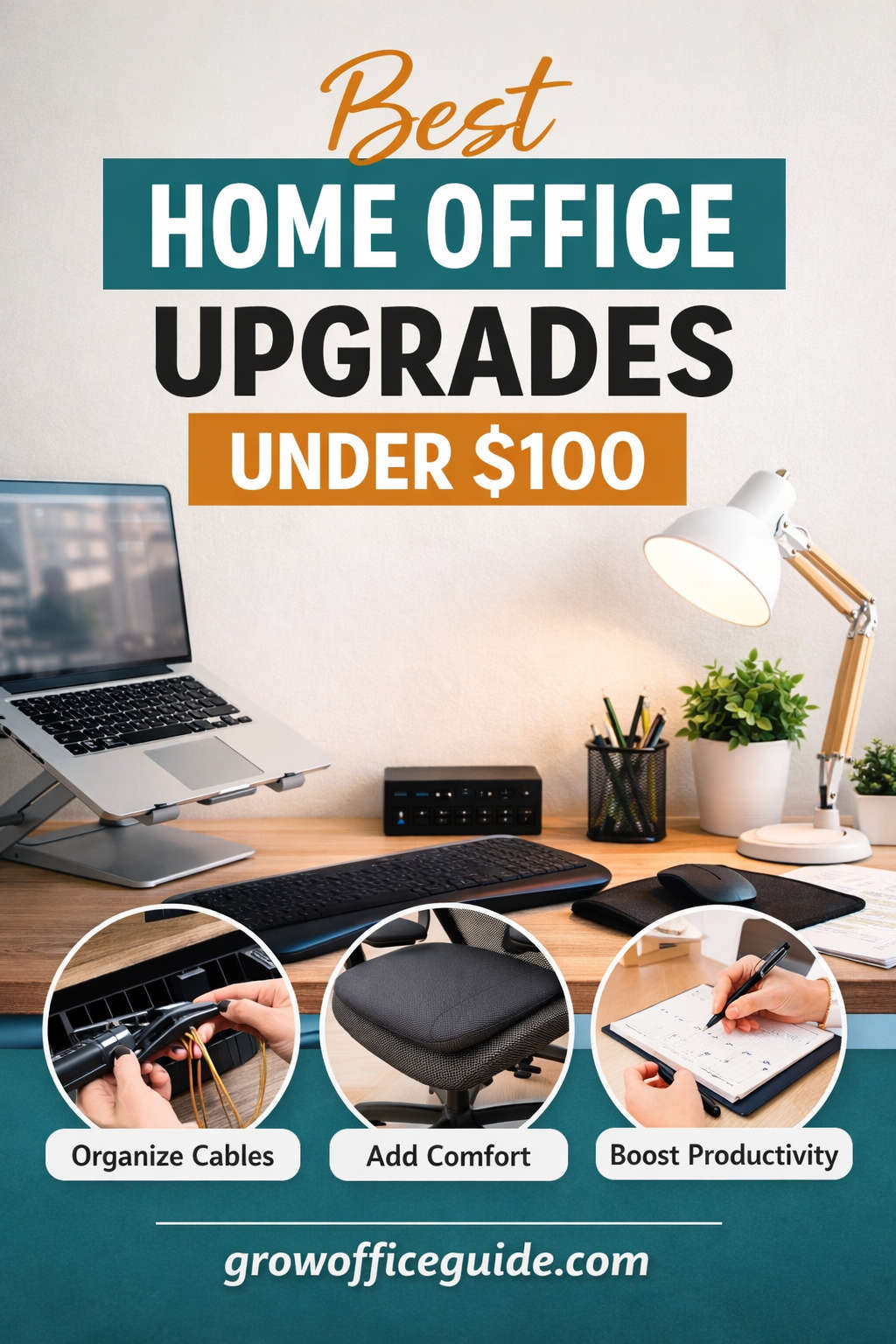
Working from home is no longer a temporary arrangement for many people. Whether you are a remote professional, freelancer, student, or entrepreneur, your home office has become the center of your daily productivity. The environment you work in directly affects your focus, comfort, mental health, and overall output. Yet, many people assume that creating a functional and inspiring home office requires a large budget.
That assumption is wrong.
Some of the most impactful home office upgrades cost less than $100 and deliver immediate improvements in comfort, organization, and efficiency. Small, intentional changes often provide greater returns than expensive furniture or high-end gadgets. With the right approach, you can dramatically improve your workspace without overspending.
This guide explores the best home office upgrades under $100, focusing on practicality, comfort, aesthetics, and productivity. Each section is designed to help you make smarter buying decisions while avoiding unnecessary clutter or gimmicks. Whether you are starting from scratch or refining an existing setup, you will find actionable ideas you can implement right away.
The Real Benefits of Upgrading Your Home Office on a Budget
Before diving into specific upgrades, it helps to understand why small improvements matter so much.
Better Comfort Leads to Better Focus
Discomfort is one of the biggest productivity killers. Poor posture, inadequate lighting, or an uncomfortable desk setup can lead to fatigue, headaches, and long-term physical issues. Budget-friendly ergonomic upgrades can significantly reduce these problems.
Organization Reduces Mental Load
A cluttered desk creates visual noise that drains attention and increases stress. Even basic organization tools can make your workspace feel calmer and more professional.
Improved Aesthetics Increase Motivation
People underestimate how much environment affects motivation. A workspace that feels intentional and pleasant encourages consistency and discipline.
Small Changes Add Up Over Time
You do not need to overhaul everything at once. Gradual, low-cost upgrades allow you to build an efficient home office step by step.
Affordable Desk Organization Upgrades That Make an Immediate Difference
A well-organized desk is the foundation of an effective home office. These upgrades are inexpensive yet transformative.
Cable Management Solutions
Messy cables are one of the most common problems in home offices. They collect dust, tangle easily, and make even a clean desk look chaotic.
Simple cable management upgrades include:
- Adhesive cable clips to guide wires along desk edges
- Cable sleeves to bundle multiple cords into one
- Under-desk cable trays to hide power strips and adapters
These solutions instantly improve the appearance of your workspace while making it easier to plug and unplug devices.
Desk Organizers and Drawer Inserts
If you constantly search for pens, chargers, or sticky notes, desk organizers can save time and frustration.
Popular options include:
- Modular drawer inserts
- Vertical desk organizers for notebooks and folders
- Small containers for everyday tools
Choose organizers that fit your workflow rather than ones that simply look nice.
Desktop File Holders
Paper clutter accumulates quickly, especially if you work with printed documents. A vertical file holder keeps papers visible and sorted, reducing desk sprawl.
Ergonomic Upgrades Under $100 That Protect Your Body
Ergonomics should always be a priority, especially if you spend hours at your desk each day.
Adjustable Laptop Stands
Laptop users often suffer from neck and shoulder strain because screens sit too low. An adjustable laptop stand raises the screen to eye level, improving posture and reducing tension.
Many sturdy, lightweight stands are available well under $100 and work for both home and travel setups.
External Keyboard and Mouse Combo
Pairing a laptop stand with an external keyboard and mouse allows you to maintain a natural arm position. This setup is far more comfortable than typing directly on a laptop all day.
Wrist Rests for Keyboard and Mouse
Wrist strain builds gradually and often goes unnoticed until discomfort becomes persistent. Memory foam or gel wrist rests provide support and help maintain proper alignment.
Footrests for Better Sitting Posture
If your feet do not rest flat on the floor, your posture suffers. A footrest encourages proper alignment and reduces lower back pressure. Many simple ergonomic footrests fall comfortably under the $100 mark.
Seat Cushions for Older Chairs
You do not need a brand-new chair to improve comfort. A quality seat cushion adds support, improves posture, and extends the life of your existing chair.
Lighting Upgrades That Reduce Eye Strain and Improve Focus
Lighting is one of the most overlooked aspects of a home office, yet it plays a major role in productivity.
Adjustable Desk Lamps
A good desk lamp allows you to control brightness and color temperature. Cooler light improves focus for detailed tasks, while warmer light is easier on the eyes during longer sessions.
Look for lamps with adjustable arms and dimming options.
Monitor Backlighting
Soft LED lighting behind your monitor reduces contrast between the screen and the surrounding space. This helps minimize eye strain, especially during evening work.
Maximizing Natural Light
Simple upgrades like repositioning your desk or using light-filtering curtains can significantly improve natural lighting without any cost.
Productivity Tools That Keep You Focused and Organized
The right productivity tools help structure your day and reduce mental clutter.
Physical Planners and Desk Calendars
Digital tools are useful, but physical planners provide a tangible overview of your schedule. Writing tasks down can improve retention and accountability.
Whiteboards and Cork Boards
Wall-mounted boards are excellent for visual thinkers. Use them to track goals, deadlines, or reminders.
Timers and Focus Tools
Simple focus timers encourage structured work sessions and regular breaks. These tools help prevent burnout while maintaining momentum.
Budget Tech Accessories That Enhance Your Workflow
You do not need expensive gadgets to improve your tech setup.
USB Hubs and Port Expanders
Modern laptops often lack sufficient ports. A USB hub solves this issue and keeps your desk functional without constant unplugging.
Webcam Covers for Privacy
Privacy matters in a home office. A sliding webcam cover is a simple yet essential upgrade.
Wireless Charging Pads
Wireless charging reduces cable clutter and keeps your phone accessible during the workday.
Noise-Reducing Headphones
Background noise disrupts concentration. Affordable noise-isolating or active noise-canceling headphones can dramatically improve focus, especially in shared spaces.
Comfort and Wellness Upgrades That Improve Daily Work Life
A productive workspace should support your well-being, not just efficiency.
Desk Plants
Plants add warmth and improve air quality. Low-maintenance options like snake plants or succulents thrive in most indoor environments.
Aromatherapy and Diffusers
Subtle scents can improve mood and focus. Choose calming or energizing essential oils based on your work style.
Desktop Humidifiers
Dry air can cause discomfort and fatigue. A small humidifier improves air quality and overall comfort.
Aesthetic Upgrades That Make Your Office More Inviting
A visually appealing workspace encourages consistency and pride in your work.
Desk Mats and Pads
Desk mats protect surfaces, improve mouse movement, and add visual cohesion. Leather-style or fabric mats offer a professional appearance.
Wall Art and Prints
Minimal artwork or motivational prints personalize your space without overwhelming it. Choose designs that align with your goals and personality.
Coordinated Storage Containers
Matching storage boxes create visual order and help conceal clutter.
Smart DIY Home Office Upgrades That Cost Almost Nothing
Not every upgrade requires a purchase.
DIY Cable Management
Binder clips, zip ties, and adhesive hooks can organize cables effectively with minimal expense.
Repurposed Storage Solutions
Jars, boxes, and containers can be transformed into organizers with simple labeling or paint.
Custom Desk Layouts
Rearranging your desk layout often improves workflow more than buying new items.
How to Choose the Right Upgrades for Your Needs
Not every upgrade suits every person. Prioritize based on your biggest challenges.
Start With Comfort
If you experience pain or fatigue, focus on ergonomic upgrades first.
Address Clutter Next
Organization tools deliver immediate psychological benefits.
Improve Lighting and Tech Support
Once comfort and organization are handled, lighting and tech accessories refine your setup.
Finish With Aesthetics
Visual upgrades enhance motivation and long-term satisfaction.
Sample Home Office Upgrade Bundles Under $100
Comfort-Focused Bundle
- Laptop stand
- Wrist rest
- Seat cushion
Organization-Focused Bundle
- Desk organizer
- Cable management kit
- File holder
Productivity-Focused Bundle
- Desk lamp
- Focus timer
- Whiteboard
Each bundle stays within budget while delivering noticeable improvements.
Maintaining Your Home Office for Long-Term Benefits
Upgrades work best when maintained.
Weekly Desk Reset
Spend a few minutes each week clearing unnecessary items.
Regular Cleaning
Dust and wipe surfaces to keep your workspace inviting.
Seasonal Reassessment
Your needs evolve. Reevaluate your setup periodically and adjust accordingly.
Final Thoughts: Small Investments, Big Impact
Creating a better home office does not require a large budget or drastic changes. Thoughtful upgrades under $100 can significantly improve comfort, productivity, and satisfaction. The key is choosing upgrades that align with your workflow and addressing real problems rather than chasing trends.
When your workspace supports you physically and mentally, your work becomes more focused, efficient, and enjoyable. Start small, upgrade intentionally, and build a home office that works for you—without overspending.