
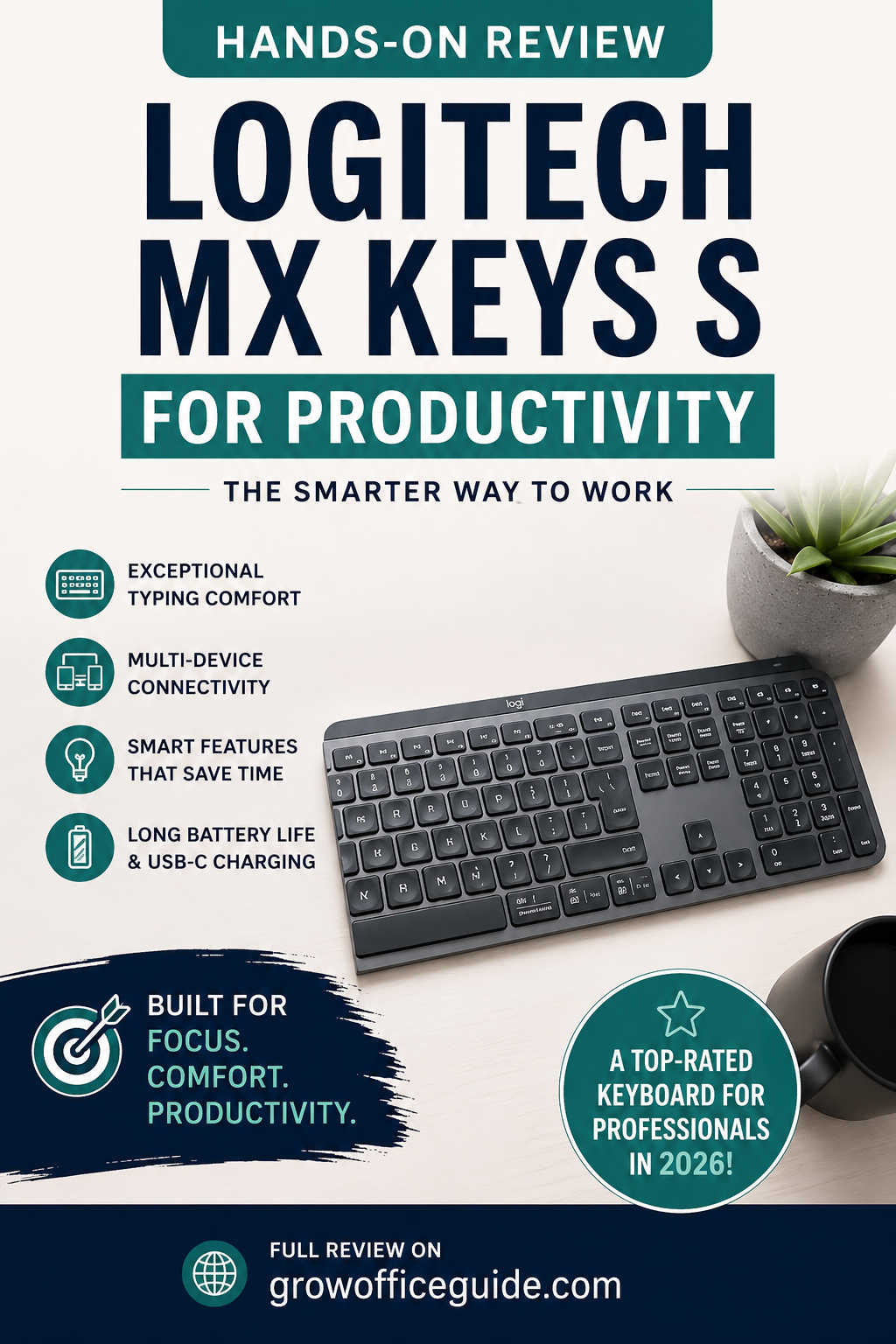
In a market overflowing with mechanical keyboards, compact wireless boards, and flashy RGB setups, it is surprisingly rare to find a product that focuses purely on productivity without distractions. The Logitech MX Keys S sits exactly in that category. It is not trying to be a gaming keyboard or a design statement for enthusiasts—it is built for people who type a lot, switch between devices constantly, and care about workflow efficiency.
The modern workspace is fragmented. Many professionals now work across laptops, desktops, tablets, and even smartphones throughout the day. That creates a need for a keyboard that does more than just type—it must adapt, connect seamlessly, and reduce friction in everyday tasks.
The Logitech MX Keys S attempts to solve exactly that problem. This hands-on review explores whether it succeeds in delivering a genuinely improved productivity experience or whether it is simply a minor update to an already well-known design.
Design Philosophy: Subtle, Minimal, and Purpose-Driven
The first thing you notice about the MX Keys S is what you don’t see. There are no flashy design elements, no aggressive angles, and no unnecessary branding. Logitech has taken a restrained approach, focusing instead on usability and professional aesthetics.
The keyboard features a low-profile structure with a reinforced metal top plate that gives it a sense of durability. It feels solid on a desk, with almost no flex during typing. Despite its premium build, it avoids feeling overly heavy or bulky, making it easy to reposition when needed.
Unlike gaming keyboards that often dominate desk space visually, this one blends into an office setup effortlessly. Whether placed in a corporate workspace, home office, or shared desk environment, it maintains a clean and professional presence.
The overall design philosophy can be summarized as intentional minimalism. Every curve, key spacing decision, and material choice seems aimed at reducing friction and improving focus rather than drawing attention.
Typing Experience: Where the MX Keys S Truly Excels
Typing feel is where this keyboard earns most of its reputation. The keys use a scissor-switch mechanism that provides a short travel distance combined with a soft yet precise actuation. It feels familiar to laptop users but significantly more refined.
What stands out most is consistency. Each key press feels identical, regardless of whether you are typing at the center or edges of the keyboard. The slight concave shaping of the keycaps naturally guides your fingertips, reducing typing errors over time.
Long writing sessions reveal the true strength of this design. After several hours of continuous typing, finger fatigue is noticeably lower compared to many mechanical keyboards with higher actuation force or taller key travel. This makes it especially suitable for writers, editors, and professionals who spend most of their day typing documents or emails.
Another advantage is noise control. The MX Keys S is extremely quiet. In shared workspaces or late-night home environments, this becomes a major benefit. You get tactile feedback without disturbing others, which is something mechanical keyboards often struggle with unless specifically designed for silent operation.
The typing experience is not designed to impress keyboard enthusiasts chasing tactile extremes. Instead, it focuses on reducing effort and increasing efficiency, which is exactly what productivity users need.
Productivity Features That Actually Matter
Many keyboards advertise productivity features, but few integrate them in a meaningful way. The MX Keys S takes a more practical approach, focusing on small but impactful workflow enhancements.
One of the most significant improvements is the introduction of smart automation features through Logitech’s software ecosystem. These allow users to create custom actions that can trigger multiple commands at once. For example, a single shortcut can open communication apps, launch a browser window, and start a calendar view simultaneously.
While this might sound minor, it significantly reduces repetitive setup time during the day. Over weeks and months of usage, these small time savings accumulate into noticeable productivity gains.
The keyboard also includes dedicated function shortcuts for common actions such as screen capture, microphone control, and media playback. These are especially useful during video calls, content creation, or multitasking scenarios where switching windows repeatedly can interrupt workflow focus.
Instead of overwhelming users with complexity, the MX Keys S integrates these features in a way that feels optional. If you want a simple typing experience, you can ignore them entirely. If you want deeper control, the system is available.
Multi-Device Workflow: Built for Modern Users
One of the strongest advantages of the MX Keys S is its ability to connect to multiple devices simultaneously. In real-world usage, this is not just a convenience—it becomes an essential part of daily workflow.
Many professionals today work across at least two devices. A common setup includes a desktop computer for primary tasks and a laptop or tablet for mobility. Switching between these devices typically requires different keyboards or constant reconnecting. The MX Keys S eliminates this friction completely.
With its easy-switch functionality, users can toggle between up to three devices instantly using dedicated keys. The transition is smooth and reliable, with almost no noticeable delay. This makes it easy to copy content, respond to messages, or continue typing across devices without interruption.
For users in hybrid work environments, this feature alone can justify the keyboard’s value. It reduces clutter on the desk and eliminates the need for multiple input devices.
Software Integration: Logitech Options+ Experience
Hardware alone does not define the MX Keys S. Its full capabilities are unlocked through Logitech’s Options+ software, which acts as a central hub for customization.
Unlike many peripheral software suites that feel outdated or overly complex, Options+ is relatively modern and intuitive. It allows users to remap keys, assign application-specific shortcuts, and configure automation workflows.
The most powerful aspect of this software is context-based customization. Instead of assigning one function per key globally, users can define different behaviors depending on the active application. This means the same key can perform different actions in Excel, Photoshop, or Zoom.
This level of customization is particularly valuable for professionals who work across multiple disciplines. A designer, for example, may want entirely different shortcuts than a data analyst, and the MX Keys S accommodates that flexibility well.
The software also provides visibility into battery status and connectivity, reducing guesswork and improving reliability in long-term use.
Backlighting System: Smart, Adaptive, and Efficient
Backlighting on the MX Keys S is not just aesthetic—it is functional. The keyboard uses proximity sensors to detect hand movement and automatically activates illumination when needed.
This means the keyboard remains dark when not in use, conserving battery life, and instantly lights up when you begin typing. The transition feels natural and requires no manual intervention.
Brightness levels adjust automatically based on ambient lighting conditions. In brighter rooms, the illumination becomes subtle, while in darker environments it becomes more pronounced for better visibility.
This adaptive system improves usability significantly, especially for users who work late hours or in varying lighting environments. It reduces eye strain and ensures consistent visibility without requiring constant manual adjustments.
Battery Life and Charging Experience
Battery performance is one of the most practical aspects of any wireless keyboard, and the MX Keys S performs reliably in this area.
With backlighting enabled, users can expect several days of usage before needing a recharge. With backlighting disabled, battery life extends dramatically, often lasting weeks or even months depending on usage intensity.
Charging is handled through USB-C, which is now the standard for modern devices. A short charging session can provide hours of usage, making downtime minimal.
In everyday use, battery anxiety is virtually nonexistent. Most users will develop a routine of occasional charging rather than frequent maintenance.
Wireless Performance and Connectivity Stability
A productivity keyboard must be reliable above all else. Any lag, disconnection, or delay can disrupt workflow and reduce efficiency. Fortunately, the MX Keys S performs consistently well in wireless environments.
It supports both Bluetooth and Logitech’s proprietary receiver, which provides an even more stable connection in crowded wireless spaces such as offices with multiple devices operating simultaneously.
Switching between devices is fast and dependable. During testing across different environments, connection stability remained consistent with no noticeable input delay or dropouts.
This reliability makes it suitable for professional environments where consistency is more important than experimental features.
Real-World Performance Across Different Use Cases
The MX Keys S adapts well to a wide range of users, but its strengths become clearer when viewed through specific workflows.
- For writers, it offers comfort, quiet operation, and consistent key response, making long writing sessions more manageable.
- For programmers, it provides stability, multi-device support, and efficient shortcut handling, even though it does not offer mechanical switch feedback preferred by some developers.
- For office professionals working in spreadsheets or documentation-heavy environments, the full-size layout with numeric keypad improves efficiency significantly.
- For creative professionals, the ability to assign application-specific shortcuts streamlines repetitive tasks in editing software and design tools.
Across all categories, the keyboard prioritizes consistency and efficiency over novelty.
Areas Where the MX Keys S Could Improve
Despite its strengths, the MX Keys S is not without limitations. The most obvious one is its pricing. It sits firmly in the premium segment, which may not be accessible for all users.
Another limitation is its lack of physical adjustability. The typing angle is fixed, which may not suit users who prefer more ergonomic flexibility.
Additionally, while the typing experience is excellent for productivity work, it will not satisfy mechanical keyboard enthusiasts who prefer tactile or clicky feedback with higher customization options.
Finally, many of its advanced features rely on software. Users who prefer plug-and-play simplicity without additional configuration may not fully utilize its capabilities.
Who Should Buy the Logitech MX Keys S?
The MX Keys S is best suited for users who prioritize productivity, comfort, and workflow efficiency over customization or gaming performance.
It is particularly well-suited for remote workers, writers, analysts, developers, and professionals who regularly switch between multiple devices throughout the day.
If your workflow involves heavy typing, frequent multitasking, or cross-device usage, this keyboard offers tangible benefits that improve daily efficiency.
However, if your primary interest is gaming performance or mechanical switch customization, there are more specialized alternatives available.
Final Verdict: A Mature Productivity Tool, Not a Gadget
The Logitech MX Keys S does not try to reinvent the keyboard. Instead, it refines an already successful formula and focuses on improving the areas that matter most for productivity users.
Its strengths lie in its consistency, reliability, comfort, and intelligent software integration. It is a keyboard designed not for excitement, but for sustained daily use without friction.
While it may not appeal to everyone, especially mechanical keyboard enthusiasts, it excels at its intended purpose: making everyday work smoother and more efficient.
For professionals seeking a dependable, quiet, and highly adaptable keyboard, the MX Keys S remains one of the strongest options available in 2026. It is less of a gadget and more of a long-term productivity investment.
Overall Assessment
The Logitech MX Keys S stands as a refined, thoughtful upgrade in a mature product line. It prioritizes real-world usability over gimmicks, and that is exactly why it continues to remain relevant in modern productivity setups.