
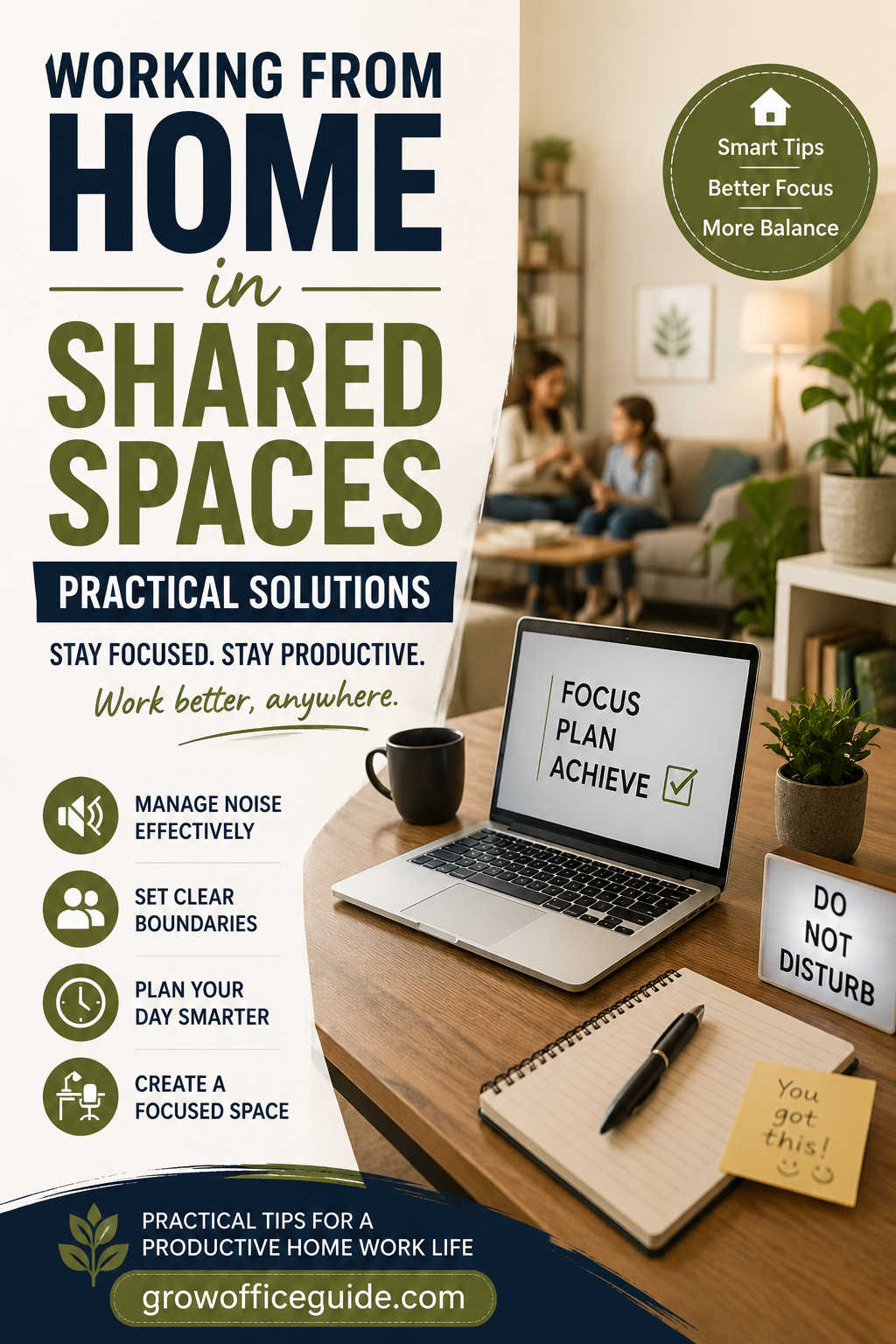
Working from home has become a permanent part of modern professional life rather than a temporary adjustment. For many people, however, the reality of remote work does not include a quiet, dedicated home office. Instead, work happens in shared environments—living rooms, bedrooms, kitchen corners, or multi-purpose spaces shared with family members, roommates, or partners.
This setup introduces a unique tension: you are expected to perform professional tasks with the same level of focus and quality as an office environment, while simultaneously navigating household noise, interruptions, space limitations, and overlapping responsibilities.
Yet, working from home in shared spaces does not have to be chaotic or inefficient. With structured habits, environmental adjustments, and communication strategies, it is possible to create a productive workflow even in the most constrained living conditions.
This guide explores practical, real-world solutions to help you stay focused, organized, and mentally balanced while working remotely in shared spaces. It is designed for professionals, freelancers, students, and hybrid workers who need actionable strategies—not theory.
The Reality of Shared Workspaces at Home
Shared home work environments come with challenges that are often underestimated until daily work begins.
One of the most common issues is constant interruption. Unlike office environments where interruptions follow some structure, home interruptions are unpredictable. A conversation in the next room, a doorbell, a child asking a question, or a roommate moving around can break concentration instantly.
Another major challenge is the lack of spatial separation between work and personal life. When your workspace is also your dining table or bedroom, your brain struggles to distinguish “work mode” from “rest mode.” Over time, this can reduce focus and increase fatigue.
Noise is another unavoidable factor. Even low-level background sounds can interfere with tasks requiring deep concentration, such as writing, coding, analysis, or design work. Video meetings also become more stressful when you are worried about background noise.
Finally, there is the emotional pressure of always being “available.” When you work in shared environments, others may assume you are free even during work hours, leading to frequent disruptions and blurred boundaries.
Understanding these challenges is the first step toward solving them effectively.
Creating a Functional Workspace in Limited Areas
Even without a dedicated home office, you can design a workspace that signals productivity and supports focus.
The goal is not perfection—it is consistency. Your brain responds strongly to environmental cues, so having a defined work area is essential.
Choose a Fixed Location
Select one area of your home that will consistently function as your work zone. This could be a corner of your bedroom, a section of the dining table, or even a small desk in a shared room.
The key is repetition. Using the same spot daily trains your mind to enter “work mode” more quickly.
Define Visual Boundaries
When physical separation is limited, visual boundaries become powerful. You can use shelves, folding screens, curtains, or even furniture placement to separate your workspace from the rest of the room.
This creates psychological separation even in open environments.
Keep the Area Minimal and Purposeful
Clutter is one of the fastest productivity killers. A shared space already contains enough sensory distractions—your workspace should reduce, not add to, cognitive load.
Keep only essential items visible: laptop, notebook, charger, and basic tools. Store everything else out of sight.
A clean environment naturally supports clearer thinking.
Establishing Boundaries with People You Live With
Working from home in shared spaces requires communication, not assumption. Many productivity issues come from unclear expectations rather than actual interference.
Have Clear Conversations Early
Explain your work schedule to those you live with. Include your focused hours, meeting times, and tasks that require silence.
Clarity reduces misunderstandings and prevents repeated interruptions.
Create Shared Household Rules
Even informal households benefit from structure. Simple agreements like “quiet hours between 9 AM and 12 PM” or “no interruptions during meetings” can significantly improve productivity.
Visibility matters too. A shared calendar or whiteboard can help everyone stay aligned.
Use Non-Verbal Signals
Not every interruption requires conversation. Visual cues can help:
- Headphones on = focused work
- Door closed = do not disturb
- Desk lamp on = in a meeting
- Small sign = available/unavailable
These signals reduce friction and repeated explanations.
Managing Noise in Shared Home Environments
Noise is one of the biggest barriers to remote work productivity. Fortunately, it can be managed effectively with a layered approach.
Use Noise-Canceling Headphones
A good pair of noise-canceling headphones can dramatically improve focus. They help reduce both sudden and continuous background sounds, making it easier to stay in deep work.
They are especially useful during virtual meetings or writing tasks.
Introduce Background Sound Strategically
Complete silence is not always ideal. Many people find that controlled background noise improves concentration.
Options include white noise, rain sounds, café ambience, or instrumental music. The goal is to mask unpredictable sounds with a stable audio layer.
Improve Room Acoustics
Soft materials absorb sound and reduce echo. Rugs, curtains, cushions, and fabric-based decor can significantly reduce noise levels in a room.
This is especially helpful in apartments or homes with hard flooring and bare walls.
Work Around Household Noise Patterns
Every home has natural rhythm cycles. Identify quieter periods such as early mornings, midday work/school hours, or late evenings.
Scheduling deep work during these windows can significantly improve efficiency.
Technology Setup for Remote Work Efficiency
In shared environments, technology becomes a productivity multiplier.
Ensure Stable Internet Connectivity
Multiple people using the same network can cause instability. If possible, upgrade your internet plan or use a mesh Wi-Fi system to reduce dead zones.
For critical tasks, an Ethernet connection is often more reliable than Wi-Fi.
Improve Audio and Video Quality
Clear communication reduces misunderstandings and improves professional presence. A dedicated microphone or headset can make a noticeable difference in call quality.
Even small upgrades reduce fatigue during long meetings.
Use Virtual Backgrounds
Video calls from shared spaces can feel intrusive. Virtual backgrounds or blur features help maintain privacy and reduce visual distractions for others in the home.
Prepare Backup Connectivity
Always have a backup plan such as mobile hotspot access in case of internet failure. Remote work depends heavily on connectivity, so redundancy is important.
Time Management in Shared Work Environments
Time management becomes more important when your environment is unpredictable.
Use Time Blocking for Structure
Time blocking divides your day into dedicated work segments. For example:
- Deep work in the morning
- Meetings in mid-day
- Admin tasks in the afternoon
This reduces decision fatigue and increases focus.
Prioritize High-Intensity Work During Quiet Hours
Tasks that require deep concentration should be scheduled during the quietest parts of the day. This allows you to maximize output without interruptions.
Group Similar Tasks Together
Task switching reduces efficiency. Instead of jumping between emails, meetings, and creative work, group similar activities into blocks.
This improves mental flow and reduces fatigue.
Include Breaks as Part of the System
Breaks are not optional—they are part of productivity. Short walks, stretching, or stepping away from screens help reset attention and prevent burnout.
Working With Family or Roommates
Shared spaces often include competing responsibilities, especially in households with children or multiple adults working remotely.
Coordinate Responsibilities
Discuss who is responsible for what during working hours. This includes childcare, chores, and shared space usage.
Clear division of responsibilities prevents frustration.
Build Predictable Daily Routines
Humans function better with structure. A predictable household rhythm reduces uncertainty and interruptions.
Even simple routines like consistent meal times or designated quiet hours can make a major difference.
Accept Imperfection
Shared environments will never be perfectly controlled. Interruptions will happen. The goal is not elimination but reduction and recovery.
Adaptability is a critical skill in remote work success.
Maintaining Mental Well-Being While Working at Home
Working in shared spaces can blur emotional boundaries between work and personal life. Without proper structure, this can lead to stress and fatigue.
Create Start and End Rituals
Without commuting, your brain loses natural transitions between work and rest. Simple rituals help replace this:
- Morning walk before work
- Changing clothes after work
- Closing your workspace at the end of the day
These cues help your mind reset.
Avoid Always Being “On”
Just because you are physically at home does not mean you are available at all times. Establish boundaries for communication and availability.
Constant accessibility leads to burnout.
Acknowledge Progress Regularly
Remote work can feel isolating. Tracking progress and recognizing completed tasks helps maintain motivation.
Small wins build long-term consistency.
Productivity Mistakes to Avoid
Many remote workers struggle not because of lack of effort, but because of inefficient habits.
Common mistakes include:
- Working without a defined space
- Allowing constant interruptions
- Multitasking excessively
- Ignoring ergonomic setup
- Working without structured breaks
- Failing to communicate boundaries
Avoiding these pitfalls can dramatically improve daily output.
Long-Term Success Strategy for Shared Workspaces
The most effective remote workers treat their home environment as a system, not a limitation. They continuously adjust based on feedback, energy levels, and household dynamics.
Small improvements compound over time:
- Better communication reduces interruptions
- Slightly improved workspace increases focus
- Minor schedule adjustments improve productivity flow
- Better technology reduces friction
Over time, these adjustments create a stable, efficient remote work environment—even in shared spaces.
Conclusion
Working from home in shared spaces is a modern reality for millions of people. While it presents challenges such as noise, interruptions, and limited space, it also offers opportunities to build discipline, structure, and adaptability.
Success depends on how intentionally you design your environment and routines. By combining clear communication, structured time management, thoughtful workspace design, and consistent boundaries, you can create a productive and sustainable remote work system.
You do not need a perfect home office to work effectively. You need clarity, consistency, and a set of strategies that fit your real living conditions.
With the right approach, shared spaces can become not obstacles—but workable environments that support long-term professional growth and balance.