
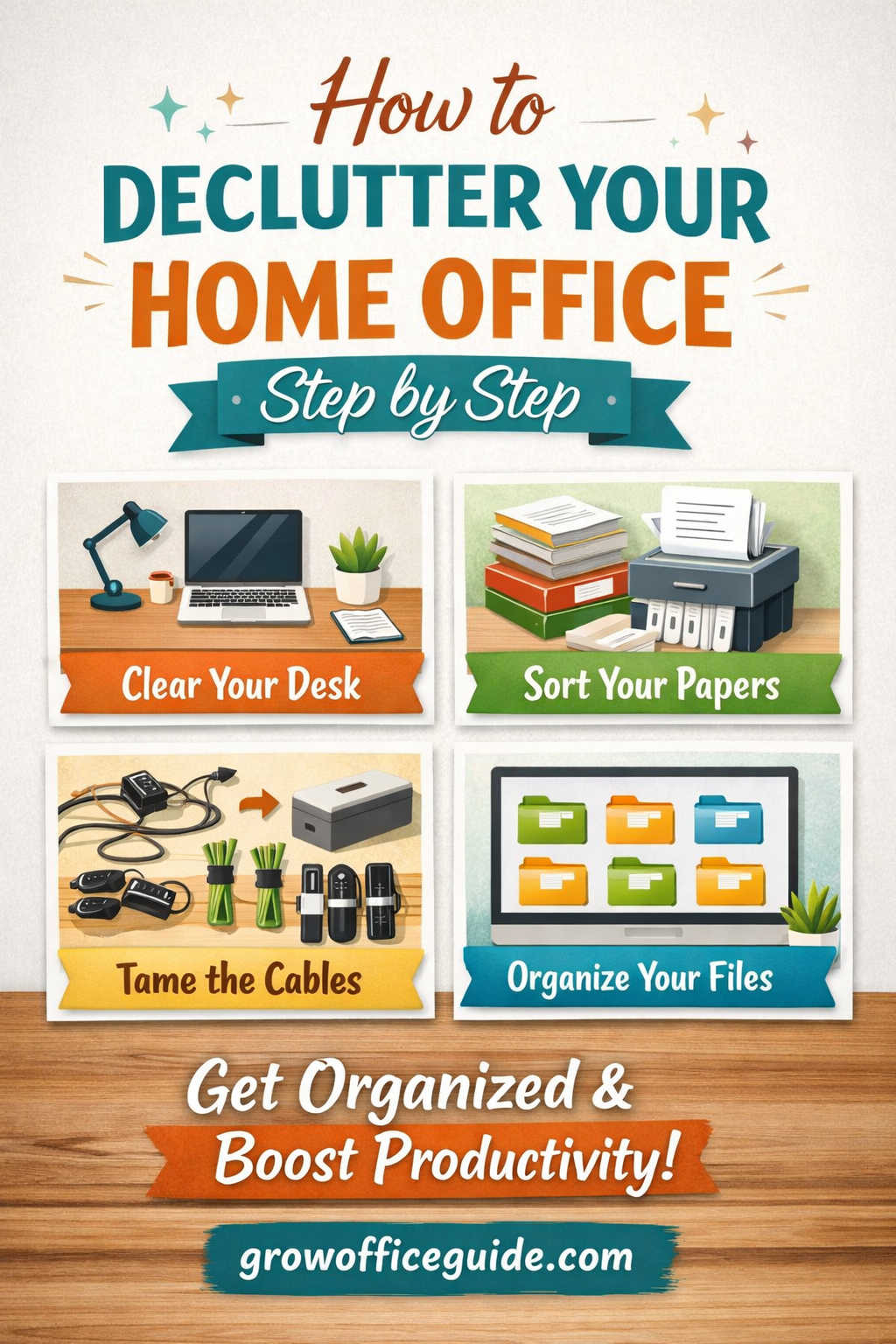
A cluttered home office doesn’t just look messy — it quietly drains your energy, slows your workflow, and increases daily stress. When papers pile up, cables tangle behind your desk, and drawers overflow with random supplies, even simple tasks start to feel overwhelming.
If you work from home, run a business, study online, or manage household admin from your desk, learning how to declutter your home office step by step can completely transform your productivity.
This guide will walk you through a practical, realistic, and sustainable decluttering process. You’ll not only clear the mess — you’ll build systems that keep your workspace organized long term.
Let’s begin.
Why Decluttering Your Home Office Matters
Before diving into the steps, it helps to understand why office decluttering is so important.
A messy workspace creates:
- Visual distractions
- Mental overload
- Reduced focus
- Increased procrastination
- Lower productivity
On the other hand, an organized home office improves:
- Concentration
- Efficiency
- Motivation
- Professional mindset
- Stress management
Your workspace influences how you think and work. When your environment feels calm and structured, your mind follows.
Step 1: Define Your Vision for an Organized Workspace
Decluttering without a clear goal often leads to temporary results.
Ask yourself:
- How do I want my home office to feel?
- What kind of work environment helps me focus?
- What currently frustrates me about this space?
Maybe you want:
- A minimalist and distraction-free desk
- A creative and inspiring office
- A clean, professional setup for video meetings
- A cozy but organized study area
Write your goal down. For example:
“I want a clean, calm home office where everything has a place and I can work without distractions.”
Having clarity keeps you motivated when the process feels tiring.
Step 2: Schedule Dedicated Decluttering Time
One of the biggest mistakes people make is trying to declutter between meetings or while multitasking.
Decluttering requires focus.
Depending on how cluttered your space is, you may need:
- 3–4 hours for a small office
- A full weekend for a heavily cluttered room
If it feels overwhelming, break it into sections:
Day 1 – Desk and visible surfaces
Day 2 – Drawers and cabinets
Day 3 – Papers and files
Day 4 – Digital clutter
Day 5 – Storage systems and final setup
Treat it like an important appointment. Because it is.
Step 3: Clear Your Desk Completely
Your desk is the heart of your home office. Start there.
Remove everything from the surface:
- Papers
- Pens
- Decor
- Chargers
- Notebooks
- Office supplies
Wipe it down thoroughly. Cleaning creates psychological momentum. An empty desk instantly feels lighter.
Now, only put back items you use daily. For most people, that includes:
- Laptop or desktop
- One notebook
- One pen
- Phone
- Water bottle
- Desk lamp
If you don’t use it every day, it doesn’t belong on your desk.
This single change dramatically reduces visual clutter.
Step 4: Sort Paper Clutter Strategically
Paper is often the biggest source of home office mess.
Create four clear categories:
- Action Required
- File/Keep
- Recycle/Shred
- Trash
Be honest. If you haven’t touched a document in over a year and it’s not legally necessary, it likely doesn’t need to stay.
Helpful tip:
Scan important documents and store them digitally. This reduces future paper buildup.
Use a vertical file organizer or labeled file box to prevent papers from spreading across your desk again.
Step 5: Empty and Evaluate Every Drawer
Drawers hide clutter — and hidden clutter still creates mental stress.
Remove everything from each drawer. Place items on the floor or a table so you can see exactly what you own.
Then evaluate:
- Do I use this regularly?
- Does it serve a purpose?
- Would I buy this again today?
Let go of:
- Dried-out pens
- Old receipts
- Duplicate supplies
- Random cables
- Outdated tech
Keep only what supports your current work.
Use drawer dividers to keep categories separate. Organized drawers save time daily.
Step 6: Declutter Office Supplies
Many people overstock supplies “just in case.”
You likely don’t need:
- Multiple staplers
- Five pairs of scissors
- Dozens of highlighters
- Excess sticky notes
Keep one main set easily accessible. Store limited backups in a labeled container.
If you have unused supplies, consider donating them to a local school or community center.
Less excess means less mess.
Step 7: Reduce Book and Notebook Overload
Books and old notebooks can quietly take over shelves.
Sort them into three groups:
Keep
Donate
Recycle
Keep books you reference often or genuinely value. Let go of:
- Outdated manuals
- Half-read books you won’t finish
- Duplicate copies
- Old planners
If sentimental attachment makes it difficult, remind yourself that knowledge lives in you — not on the shelf.
Step 8: Organize Cables and Electronics
Cable clutter creates both visual and functional chaos.
Gather all cables and electronics in one place.
- Test each cable
- Label what it belongs to
- Discard broken or unnecessary items
Use:
- Velcro ties
- Cable clips
- Under-desk power strip mounts
- Cable management boxes
This instantly makes your home office look cleaner and more professional.
Step 9: Declutter Digital Files and Desktop
Physical organization is only half the battle. Digital clutter slows productivity too.
Start with your computer desktop:
- Delete unnecessary files
- Organize documents into clearly named folders
- Create a logical filing structure
For example:
Work Projects
Clients
Finance
Personal
Archive
Then:
- Unsubscribe from unnecessary emails
- Delete unused apps
- Organize cloud storage
- Clear downloads folder
A clean digital workspace improves workflow significantly.
Step 10: Create Functional Storage Systems
Now that clutter is reduced, design smart storage.
Ask:
- What do I need within arm’s reach?
- What can be stored farther away?
- What doesn’t belong in this room at all?
Use vertical storage like wall shelves to maximize space. Clear labeled bins work well for less frequently used items.
Avoid buying storage before decluttering. Storage should support simplicity — not hide excess.
Step 11: Design Functional Zones in Your Home Office
Even small offices benefit from clear zones.
Consider dividing your space into:
Work Zone – Desk and computer
Reference Zone – Books and files
Supply Zone – Drawer or cabinet
Inspiration Zone – Art or vision board
Defined zones prevent random item placement and reduce future clutter.
Step 12: Minimize Visual Distractions
Too many decorative items create mental noise.
Instead of covering every surface, choose a few meaningful pieces:
- One plant
- One framed photo
- One motivational quote
Empty space is not wasted space. It allows your mind to breathe and focus.
Step 13: Establish a Daily Reset Routine
Decluttering once isn’t enough. Maintenance is key.
At the end of each workday:
- Clear your desk
- Put supplies back
- File loose papers
- Throw away trash
This takes less than five minutes but prevents clutter from rebuilding.
Consistency keeps your workspace organized.
Step 14: Implement a Weekly Organization Review
Once a week, take 10–15 minutes to:
- Sort incoming paperwork
- Clear digital downloads
- Shred unnecessary documents
- Wipe surfaces
Small, regular resets prevent major messes.
Step 15: Control What Enters Your Office
Decluttering isn’t only about removing things — it’s about managing new items.
Before buying office supplies or decor, ask:
- Do I truly need this?
- Where will it live?
- What will I remove to make space?
You can adopt a simple rule:
If something new comes in, something old goes out.
This keeps your home office balanced.
Step 16: Let Go of Emotional Clutter
Some items remain because of memories:
- Old planners
- Conference badges
- First business cards
- Outdated awards
You don’t need to keep everything to preserve memories.
Take photos of sentimental items and store only a small memory box if necessary.
Emotional clarity supports physical clarity.
Step 17: Upgrade for Productivity (After Decluttering)
Once your space is clear, small improvements can enhance workflow:
- Ergonomic chair
- Monitor stand
- Quality lighting
- Minimal desk organizer
Focus on comfort and efficiency first. Avoid overdecorating.
Function should guide design.
Step 18: Maintain a Minimal Paper Policy
Paper clutter quickly returns if unmanaged.
Shift toward digital tools:
- Digital note apps
- Online billing
- Cloud storage
- Electronic signatures
Less paper means less future decluttering.
Common Mistakes to Avoid When Decluttering a Home Office
Avoid these common errors:
- Organizing without removing items first
- Buying storage bins before decluttering
- Keeping items “just in case”
- Ignoring digital clutter
- Skipping maintenance routines
Decluttering is about simplifying, not reshuffling.
How Long Does It Take to Declutter a Home Office?
It depends on size and clutter level.
Small workspace: 3–4 hours
Medium office: One weekend
Large cluttered office: Several focused sessions
The key is consistency. Even small progress creates momentum.
Psychological Benefits of an Organized Home Office
When your home office is decluttered, you may notice:
- Improved focus
- Faster task completion
- Reduced stress
- Greater motivation
- Clearer thinking
You’ll spend less time searching for things and more time doing meaningful work.
Your environment supports your goals instead of distracting you from them.
Final Thoughts: A Step-by-Step Path to a Clutter-Free Home Office
Learning how to declutter your home office step by step is one of the most powerful productivity upgrades you can make.
You don’t need perfection. You need intention and systems.
Start small:
Clear one drawer.
Then your desk.
Then your papers.
Progress builds quickly.
A clean workspace creates mental clarity. Mental clarity fuels productivity. Productivity builds confidence.
Your home office should energize you — not overwhelm you.
And now you have a clear, practical roadmap to make that happen.