
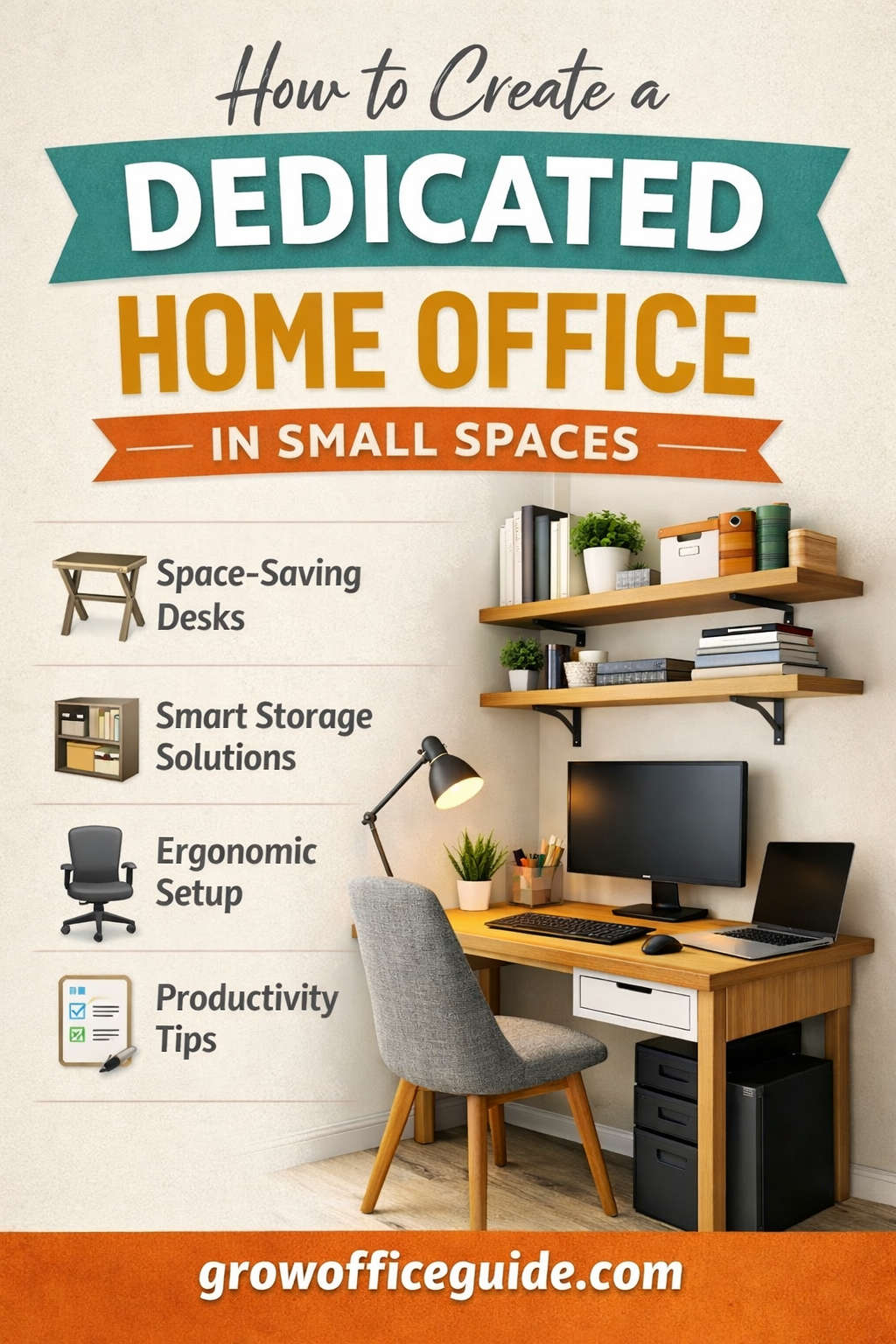
Working from home has shifted from a temporary solution to a long-term reality for millions of people. Whether you are a remote employee, freelancer, student, or entrepreneur, having a dedicated home office is no longer optional if you want to stay productive, organized, and mentally balanced. The challenge, however, is space. Not everyone has the luxury of a spare room or large floor plan.
The good news is that a small space does not mean small potential. With the right planning, thoughtful design, and smart use of available square footage, even the tiniest corner of your home can be transformed into a functional, comfortable, and visually appealing workspace.
This comprehensive guide will walk you through every step of creating a dedicated home office in a small space, from planning and layout to ergonomics, storage, lighting, technology, and long-term productivity.
Why a Dedicated Home Office Matters in Small Homes
When work and personal life happen in the same place, boundaries can easily blur. Working from the couch or dining table may feel convenient at first, but over time it can lead to physical discomfort, mental fatigue, distractions, and decreased productivity.
A dedicated home office, even a compact one, provides structure and consistency. It signals to your brain that it is time to focus, helps you maintain a professional routine, and makes it easier to disconnect at the end of the day.
Key benefits of a dedicated workspace include:
- Improved concentration and efficiency
- Better posture and reduced physical strain
- Clear separation between work and relaxation
- More organized work materials
- A professional environment for virtual meetings
In small homes, intentional design becomes even more important. Every decision must serve both function and comfort.
Step One: Planning Your Small Home Office Before You Start
Understand Your Work Requirements
Before moving furniture or buying supplies, take time to evaluate how you actually work. A home office should support your daily tasks, not force you to adapt to an uncomfortable setup.
Ask yourself:
- What type of work do I do most days?
- Do I need one screen or multiple monitors?
- How much desk surface do I realistically need?
- Do I work with paper files or mostly digital tools?
- How often do I attend video meetings?
- Do I need quiet and privacy?
Someone who writes or studies may need very little beyond a desk and laptop, while a designer or analyst may require larger screens and additional equipment. Identifying your non-negotiables helps you avoid overcrowding your space with unnecessary items.
Identify the Best Location in Your Home
In small homes, the perfect office location may not be obvious. Look beyond traditional rooms and consider underutilized areas.
Common small-space office locations include:
- A corner of the living room
- A bedroom nook
- An alcove or recessed wall
- A hallway end
- A repurposed closet
- Space under the stairs
- A wide window ledge or bay window
When choosing a spot, prioritize access to power outlets, natural light, and minimal foot traffic. Even if the space is visually open, thoughtful layout and dividers can help create a sense of separation.
Designing a Functional Layout for Small Spaces
Think in Zones, Not Square Footage
Rather than focusing on how small your space is, think in terms of zones. Even a compact office benefits from having clearly defined areas.
Essential zones include:
- Work zone: desk, chair, computer
- Storage zone: shelves, drawers, organizers
- Technology zone: cables, power strips, devices
- Visual zone: wall decor, inspiration board
By assigning each function a place, you reduce clutter and improve efficiency.
Choosing the Right Desk for Limited Space
The desk is the foundation of your home office. In small spaces, the right desk can make the difference between comfort and constant frustration.
Space-saving desk options include:
- Wall-mounted or floating desks
- Fold-down desks that close when not in use
- Narrow writing desks
- Corner desks that maximize unused angles
- Built-in desks customized to fit an alcove
Look for desks that provide adequate depth for your work setup without protruding too far into the room. A depth of around 24 inches usually offers a good balance between comfort and space efficiency.
Seating That Supports Comfort Without Overcrowding
An ergonomic chair is essential, even in a small home office. Poor seating leads to back pain, neck strain, and reduced focus.
When space is limited, consider:
- Compact task chairs
- Chairs with slim armrests or no armrests
- Adjustable stools with back support
- Chairs that can slide fully under the desk
If a traditional office chair feels too bulky, add ergonomic cushions or lumbar support to a smaller chair rather than sacrificing comfort entirely.
Maximizing Vertical Space for Storage and Organization
Use Walls as Your Primary Storage Asset
When floor space is limited, walls become your best resource. Vertical storage keeps essentials accessible while freeing up valuable desk area.
Effective vertical storage ideas include:
- Floating shelves above or beside the desk
- Pegboards for tools and accessories
- Wall-mounted file holders
- Magnetic boards for notes
- Hooks for headphones or bags
Keep frequently used items within arm’s reach and store less-used items higher up to maintain a clean workspace.
Smart Storage Solutions for Small Offices
Storage does not have to be bulky to be effective. Choose solutions that integrate seamlessly into your workspace.
Useful options include:
- Slim drawer units under the desk
- Rolling carts that can be moved when needed
- Storage ottomans or benches
- Decorative baskets for loose items
- Multi-purpose furniture with hidden compartments
The goal is to reduce visual clutter while keeping essentials organized.
Lighting: A Critical Element Often Overlooked
Making the Most of Natural Light
Natural light improves mood, reduces eye strain, and boosts productivity. If possible, position your desk near a window.
To manage glare:
- Use sheer curtains or blinds
- Position your screen perpendicular to the window
- Adjust monitor brightness throughout the day
If natural light is limited, artificial lighting becomes even more important.
Layered Lighting for Small Home Offices
A well-lit workspace uses multiple light sources rather than relying on a single overhead light.
Essential lighting layers include:
- Ambient lighting for overall brightness
- Task lighting focused on your work surface
- Accent lighting to reduce contrast and eye fatigue
An adjustable desk lamp allows you to control brightness and direction, which is especially helpful during long work sessions.
Technology Setup Without the Mess
Choosing Compact and Efficient Equipment
In a small office, every device should earn its place. Opt for compact, multi-functional equipment whenever possible.
Consider:
- Laptops instead of bulky desktops
- External monitors with slim bezels
- Wireless keyboards and mice
- All-in-one printers if printing is necessary
- Docking stations to reduce cable clutter
Avoid keeping outdated or unused devices in your workspace.
Cable Management for a Clean Look
Loose cables can quickly make a small office feel chaotic.
Effective cable management techniques include:
- Cable trays mounted under the desk
- Velcro ties to bundle cords
- Adhesive cable clips along walls
- Power strips secured out of sight
A tidy cable setup not only looks better but also makes cleaning and troubleshooting easier.
Sound Control and Privacy in Shared Spaces
Reducing Noise in Small Homes
Noise is one of the biggest challenges when working from home, especially in apartments or shared households.
Simple ways to reduce noise include:
- Adding rugs or carpets to absorb sound
- Using curtains or fabric wall hangings
- Placing bookshelves against shared walls
- Using white noise machines or apps
Noise-canceling headphones can be particularly effective during meetings or deep focus sessions.
Creating Visual and Psychological Privacy
Even if your office is part of a shared room, visual separation helps establish boundaries.
Privacy solutions include:
- Folding screens or room dividers
- Curtains mounted on ceiling tracks
- Tall plants as natural dividers
- Strategic furniture placement
Clear boundaries help both you and others respect your work time.
Organization Habits That Keep Small Offices Functional
Declutter Regularly
Clutter builds faster in small spaces. Make decluttering a routine rather than a one-time task.
Weekly habits:
- Clear your desk at the end of the week
- Remove unnecessary papers
- Return tools to their designated spots
Monthly habits:
- Review storage areas
- Donate or discard unused items
- Reassess what you actually need
A clutter-free space supports mental clarity and productivity.
Go Digital Whenever Possible
Reducing paper is one of the most effective ways to save space.
Strategies include:
- Scanning important documents
- Using digital note-taking tools
- Storing files in cloud systems
- Backing up data regularly
Digital organization requires discipline, but it dramatically reduces physical storage needs.
Ergonomics and Long-Term Comfort
Desk and Monitor Positioning
Proper ergonomics are critical, especially in small setups where compromises are tempting.
Basic ergonomic guidelines:
- Monitor at eye level
- Keyboard at elbow height
- Feet flat on the floor or footrest
- Screen positioned about an arm’s length away
Adjustable accessories such as laptop stands and external keyboards can make a significant difference.
Incorporating Movement Into Your Day
Small offices can still support healthy movement.
Ideas include:
- Standing desks or desk converters
- Stretching breaks every hour
- Keeping resistance bands nearby
- Short walks between tasks
Movement improves circulation, reduces stiffness, and increases focus.
Personalizing Your Small Home Office
Adding Personality Without Clutter
Your workspace should feel inviting, not sterile. Personal touches can improve motivation and emotional well-being.
Consider:
- A small plant or two
- Artwork or framed quotes
- Neutral color accents
- Textures like wood or fabric
Limit decorative items to avoid overwhelming the space.
Creating a Space You Enjoy Working In
A pleasant environment encourages consistency and discipline. Pay attention to details such as scent, temperature, and color palette.
Small changes, like a desk lamp with warm light or a comfortable chair cushion, can significantly improve your daily experience.
Productivity Strategies for Small Home Offices
Establish a Clear Routine
A dedicated workspace works best when paired with consistent habits.
Set:
- Fixed start and end times
- Scheduled breaks
- Clear task priorities
Routines help separate work from home life, even when they share the same physical space.
Use Tools to Stay Organized
Digital productivity tools can help you manage tasks without adding physical clutter.
Useful tools include:
- Task management apps
- Calendar scheduling systems
- Time tracking software
Choose tools that simplify your workflow rather than complicate it.
Common Small Space Challenges and Practical Solutions
“I Don’t Have Enough Room”
Solution:
- Use fold-away furniture
- Maximize vertical storage
- Repurpose existing furniture
- Rethink underused areas
“My Office Always Looks Messy”
Solution:
- Reduce items on the desk
- Assign a place for everything
- Implement daily reset routines
“I Get Distracted Easily”
Solution:
- Use visual dividers
- Set boundaries with others
- Use noise control strategies
Final Thoughts: Small Space, Big Impact
Creating a dedicated home office in a small space is not about perfection or luxury. It is about intention. With thoughtful planning, smart design choices, and consistent organization, even the smallest area can become a powerful, productive workspace.
A well-designed small home office supports your health, enhances focus, and improves work-life balance. More importantly, it gives your work the respect it deserves, regardless of how much space you have.
Your home office does not need to be large. It needs to be yours, functional, and designed with purpose.