
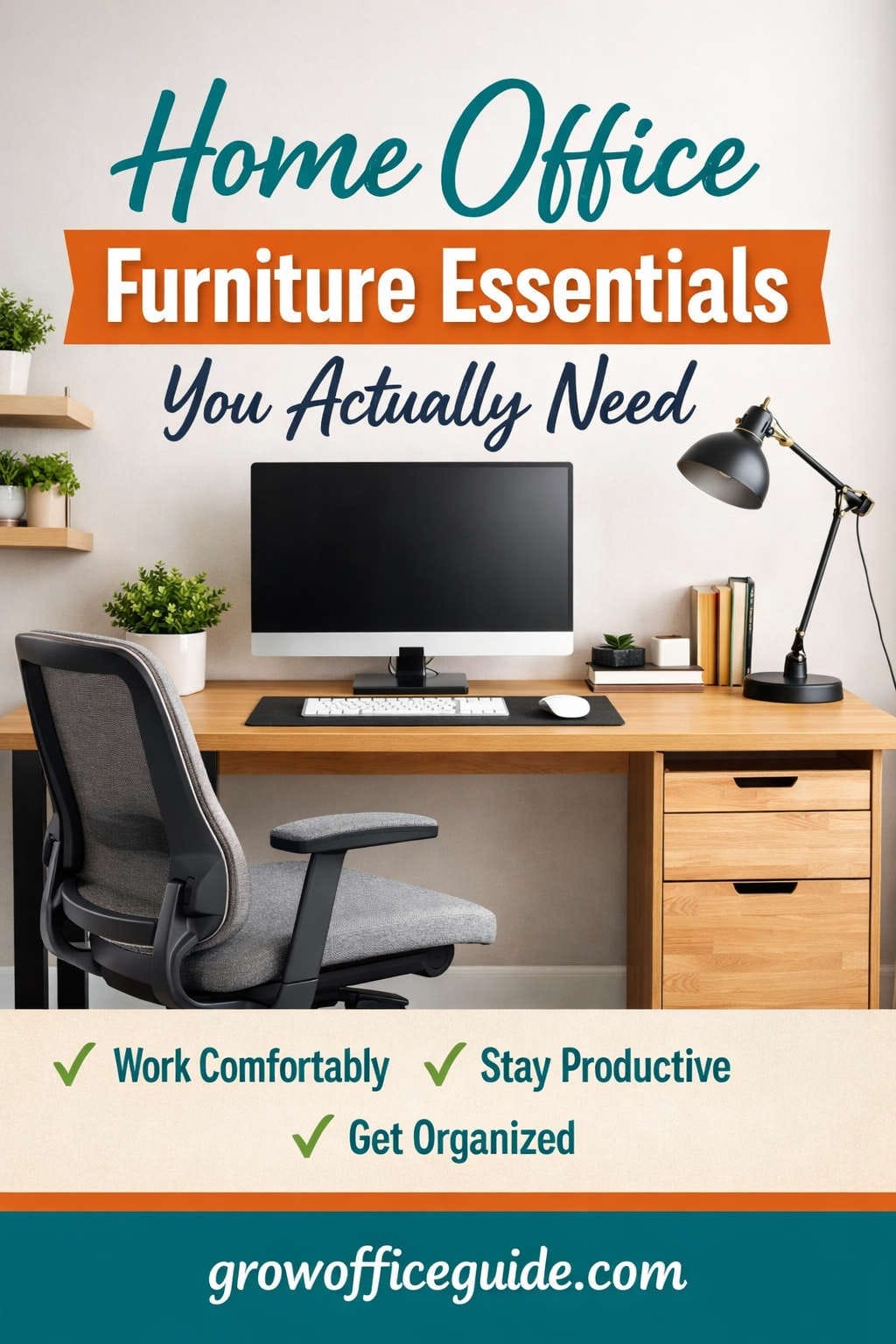
Working from home is no longer a temporary solution. For many professionals, freelancers, business owners, and remote employees, the home office has become a permanent part of daily life. Yet, one of the biggest mistakes people make is assuming that any table and chair will do.
The truth is simple: your furniture directly affects your productivity, comfort, health, and long-term well-being. A thoughtfully designed home office does not require expensive or excessive items. What it does require is choosing the right essentials—the furniture pieces that truly support how you work.
This guide breaks down exactly what you need, what you can skip, and how to build a home office that works for you—not against you.
Why Choosing the Right Home Office Furniture Is So Important
Before diving into individual furniture pieces, it’s important to understand why this decision matters more than most people realize.
Poor furniture choices can lead to:
- Chronic back, neck, and shoulder pain
- Reduced focus and mental fatigue
- Poor posture and long-term health issues
- Decreased productivity and motivation
On the other hand, the right furniture:
- Supports healthy posture
- Reduces physical strain
- Helps you work longer without discomfort
- Improves concentration and workflow
- Creates a professional, motivating environment
Your home office is not just a space—it’s a system. And furniture is the foundation of that system.
The Desk: The Heart of Your Home Office
Your desk is the central hub of your workspace. Everything you do—typing, reading, writing, video calls, planning—happens here. Choosing the right desk sets the tone for your entire office.
What Makes a Desk Truly Functional
A good desk is not just about looks. Functionality matters far more.
Key factors to consider:
- Surface space: Enough room for your monitor, keyboard, mouse, and work materials
- Depth: Allows proper distance between your eyes and the screen
- Stability: No wobbling, even when typing
- Height: Comfortable positioning for arms and shoulders
- Durability: Able to support daily use without wear
Common Desk Types Explained
Standard rectangular desk
Simple, practical, and suitable for most people. Ideal for writing, laptop work, and single-monitor setups.
L-shaped desk
Perfect for multitasking. Offers separate zones for computer work and paperwork, making it great for professionals handling multiple tasks.
Standing or adjustable desk
Allows you to switch between sitting and standing. This helps reduce prolonged sitting and improves circulation.
Compact or wall-mounted desk
Ideal for small apartments or shared spaces. Saves space without sacrificing functionality.
Why the Desk Is Essential
Your desk determines how comfortably and efficiently you work. A well-chosen desk prevents clutter, supports proper posture, and makes daily tasks easier.
The Chair: The Most Important Investment You’ll Make
If there’s one item you should never compromise on, it’s your chair.
You may sit for hours each day, and the wrong chair can quietly damage your health over time.
Why an Office Chair Matters More Than You Think
Sitting improperly leads to:
- Slouching
- Lower back pain
- Tight shoulders and neck strain
- Reduced blood circulation
- Early fatigue
An ergonomic chair supports your body instead of forcing it into unhealthy positions.
Essential Chair Features to Look For
- Adjustable seat height to keep feet flat on the floor
- Lumbar support to maintain the natural curve of your spine
- Backrest tilt for flexibility and comfort
- Armrests to reduce shoulder tension
- Swivel base for easy movement
- Breathable material to stay cool during long hours
Popular Chair Styles and Who They’re Best For
Ergonomic task chairs
Best for long work hours. Fully adjustable and designed for health and comfort.
Mesh chairs
Excellent airflow and modern design. Great for warm climates or long sitting sessions.
Executive chairs
Comfortable and padded but may lack precise ergonomic adjustments.
Minimalist chairs
Stylish and compact, suitable for short work sessions or aesthetic spaces.
Why This Is Non-Negotiable
A good chair protects your spine, improves posture, and helps you stay focused. It’s not just furniture—it’s a long-term health investment.
Monitor Setup: Protect Your Neck and Eyes
Whether you use a laptop or desktop, screen positioning plays a major role in comfort and productivity.
Why Screen Height and Distance Matter
Improper monitor placement causes:
- Neck strain from looking down
- Eye fatigue from poor distance
- Headaches and reduced focus
Ideal Monitor Setup
- Top of the screen at or slightly below eye level
- Screen about an arm’s length away
- Monitor centered directly in front of you
Monitor Stands and Arms
Monitor stands and adjustable arms allow you to:
- Raise screens to eye level
- Free up desk space
- Improve posture
Single vs. Dual Monitors
- Single monitor: Suitable for general work
- Dual monitors: Ideal for multitasking, design, coding, and research
Why Monitor Setup Is Essential
A proper monitor setup reduces physical strain and allows you to work longer with greater comfort and efficiency.
Keyboard and Mouse: Small Tools, Big Impact
Your hands interact with your keyboard and mouse constantly. Poor input devices can cause long-term wrist and hand problems.
Why Ergonomic Input Devices Matter
Typing and clicking for hours can lead to:
- Wrist pain
- Hand fatigue
- Repetitive strain injuries
What to Look For in a Keyboard
- Comfortable key travel
- Proper wrist alignment
- Full-size or compact based on desk space
- Wired or wireless for convenience
Mouse Options That Improve Comfort
- Ergonomic mouse: Natural hand position
- Vertical mouse: Reduces wrist twisting
- Trackball mouse: Minimal movement required
Why This Matters
Comfortable input devices improve speed, accuracy, and reduce physical strain over time.
Storage Solutions: A Clutter-Free Workspace Is a Productive One
Messy desks create mental noise. Storage helps you maintain order and focus.
Essential Storage Options
Filing cabinets
Great for documents and paperwork.
Drawer units
Perfect for stationery, cables, and small items.
Shelves
Use vertical space for books and decor.
Desk organizers
Keep daily essentials within reach.
Open vs. Closed Storage
- Open storage is convenient but requires discipline
- Closed storage hides clutter and keeps the office visually clean
Why Storage Is Essential
Organization saves time, reduces stress, and keeps your workspace professional and focused.
Lighting: One of the Most Overlooked Essentials
Lighting affects mood, energy, and eye health more than most people realize.
Natural Light Is Ideal
Position your desk near a window when possible. Natural light:
- Boosts alertness
- Improves mood
- Reduces eye strain
Task Lighting for Focused Work
A desk lamp should:
- Be adjustable
- Provide soft but sufficient brightness
- Reduce glare on screens
Ambient Lighting for Balance
Overhead or floor lighting prevents harsh contrast between screen and surroundings.
Why Lighting Matters
Poor lighting causes eye strain, headaches, and fatigue. Proper lighting keeps you comfortable throughout the day.
Footrests and Under-Desk Comfort Accessories
Often overlooked, footrests can significantly improve posture.
When You Need a Footrest
- Feet don’t touch the floor comfortably
- Legs feel strained after sitting
- Chair height isn’t ideal
Benefits of a Footrest
- Improves circulation
- Supports lower body posture
- Reduces pressure on legs
Why It’s Worth Considering
A small accessory can greatly improve comfort during long sitting sessions.
Cable Management: A Clean Desk Supports Clear Thinking
Loose cables create clutter and distraction.
Simple Cable Management Tools
- Cable clips
- Cable sleeves
- Under-desk trays
Why It Matters
A tidy workspace:
- Looks professional
- Reduces distractions
- Makes cleaning easier
Personal Touches That Improve Work Satisfaction
Furniture creates structure, but personal touches create motivation.
Helpful Add-Ons
- Desk mat for comfort
- Whiteboard or planner
- Indoor plants for freshness
- Minimal decor that inspires
These additions don’t just look good—they improve mental clarity and comfort.
Planning the Right Layout for Your Space
Furniture placement matters just as much as furniture selection.
Smart Layout Tips
- Keep frequently used items within arm’s reach
- Avoid facing blank walls if possible
- Leave space for movement
- Use vertical storage to save floor space
Creating Functional Zones
- Work zone: desk, chair, monitor
- Storage zone: shelves, drawers
- Thinking zone: chair or quiet corner
A well-planned layout improves workflow and reduces stress.
Budgeting: Where to Spend and Where to Save
You don’t need to buy everything at once.
Spend More On:
- Chair
- Desk
- Monitor setup
Spend Less On:
- Decorative items
- Optional accessories
- Non-essential upgrades
Prioritize health and comfort first, aesthetics second.
Common Home Office Furniture Mistakes to Avoid
- Choosing style over comfort
- Ignoring ergonomics
- Buying oversized furniture for small spaces
- Skipping proper lighting
- Overcrowding the desk
Avoiding these mistakes saves money and frustration.
Final Thoughts: Build a Home Office That Supports You
A home office should not feel like a compromise. With the right furniture essentials, it becomes a space where you can focus, create, and perform at your best.
You don’t need everything—just the right things:
- A supportive chair
- A functional desk
- Proper screen setup
- Comfortable input devices
- Smart storage
- Good lighting
When your furniture works with your body and your workflow, productivity feels natural—not forced.
You might also like,