
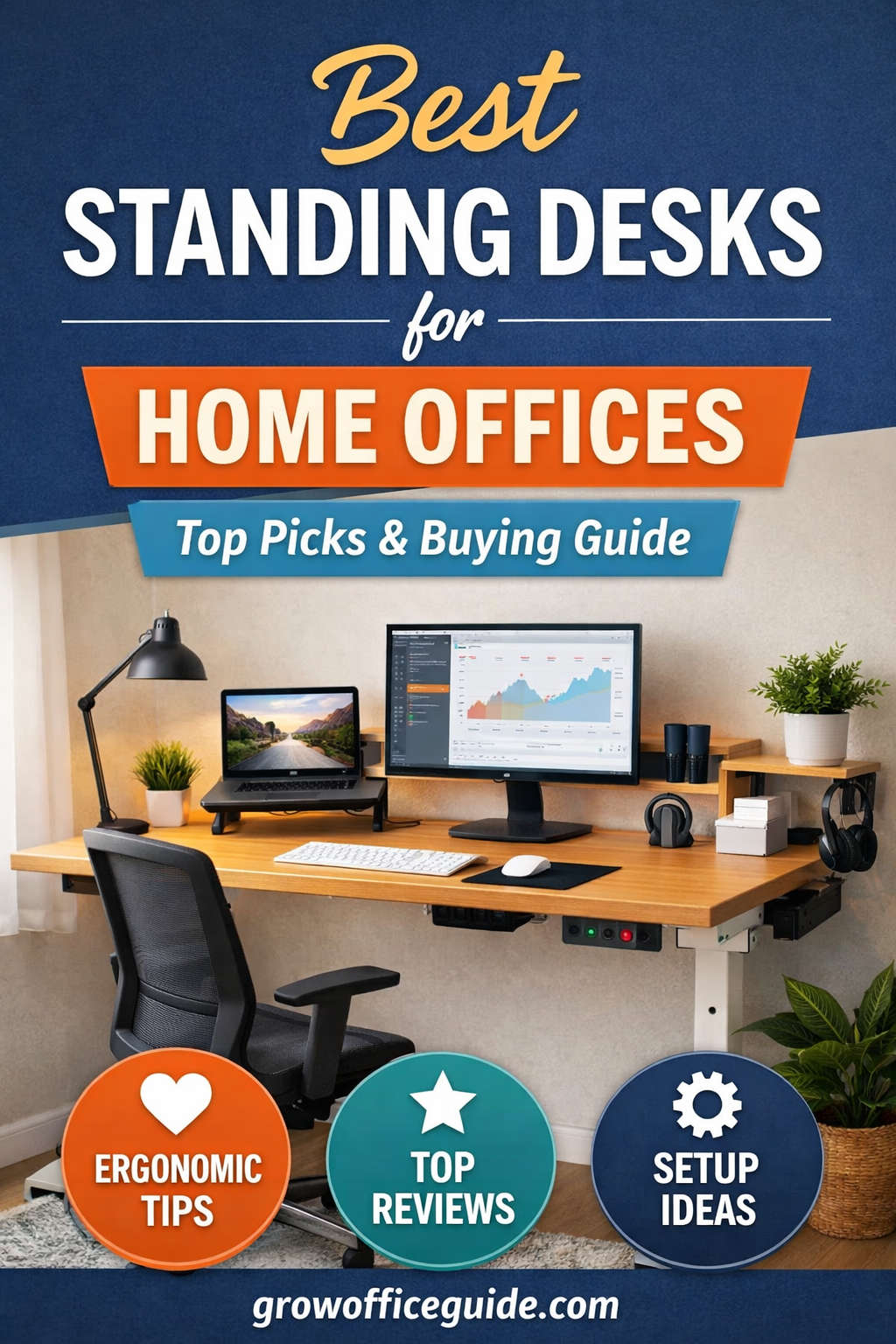
Working from home has changed how people think about their workspace. What was once a simple table and chair has become a carefully designed environment meant to support long hours of focus, comfort, and productivity. One of the most impactful upgrades you can make to a home office is switching to a standing desk.
Standing desks, also known as sit-stand desks or height-adjustable desks, allow you to alternate between sitting and standing throughout the workday. This flexibility can reduce discomfort, support better posture, and help you stay more energized compared to sitting all day.
This guide is designed to help you understand what makes a great standing desk, how to choose one for your specific needs, and which models are considered among the best for home offices right now. Whether you are a remote worker, freelancer, student, or business owner, this article will walk you through everything you need to know before making a purchase.
Why Standing Desks Are Ideal for Home Offices
Home offices often lack the ergonomic planning found in traditional corporate environments. Dining tables, old desks, or makeshift setups may work temporarily, but over time they can contribute to discomfort and fatigue. Standing desks address many of these issues by introducing movement and flexibility into your work routine.
Reduced Sedentary Time
Sitting for extended periods can lead to stiffness, lower-back discomfort, and reduced circulation. Standing desks encourage you to change positions regularly, which helps keep your body engaged throughout the day.
Improved Comfort and Posture
When adjusted correctly, a standing desk helps align your spine, shoulders, and neck more naturally. Many people notice less tension in their upper back and shoulders after incorporating standing sessions into their daily routine.
Increased Energy and Focus
Standing tends to promote alertness. Many users report feeling more focused and productive while standing, especially during tasks like meetings, reading, or creative brainstorming.
Long-Term Workspace Flexibility
A height-adjustable desk adapts to you. It can accommodate different chairs, footrests, monitor arms, and even multiple users, making it a long-term investment for a changing home office.
Types of Standing Desks Explained
Not all standing desks are built the same. Understanding the main categories will help you narrow down your options quickly.
Electric Standing Desks
Electric standing desks use one or more motors to raise and lower the desk at the push of a button. These are the most popular option for home offices due to their convenience and ease of use.
Key advantages
- Smooth and fast height adjustment
- Ideal for frequent sitting-to-standing transitions
- Often include programmable height presets
Things to consider
- Higher cost than manual desks
- Requires access to a power outlet
Manual or Crank Standing Desks
Manual desks use a hand crank to adjust height. They are simpler and usually more affordable but less convenient for frequent use.
Key advantages
- Lower price
- No electricity required
- Fewer mechanical components
Things to consider
- Slower height changes
- Less practical if you switch positions multiple times a day
Standing Desk Converters
Converters sit on top of an existing desk and raise your keyboard and monitor. They are a good temporary or budget-friendly solution.
Key advantages
- No need to replace your desk
- Easy to install and move
Things to consider
- Limited workspace
- Less stable than full standing desks
- Height range is often restricted
Key Features to Look for in a Standing Desk
A standing desk should support your work habits, body type, and equipment. These are the most important features to evaluate before buying.
Height Range and Adjustability
A good standing desk should adjust low enough for comfortable seated use and high enough for standing without forcing you to hunch or raise your shoulders. A wide height range ensures the desk fits users of different heights.
If more than one person will use the desk, a broad adjustment range becomes even more important.
Stability at Standing Height
Stability is often overlooked but critically important. A desk that wobbles when fully extended can make typing and mouse use uncomfortable, especially with multiple monitors.
Look for desks with:
- Strong steel frames
- Wider leg bases
- Dual or triple motor systems for better balance
Weight Capacity
Consider everything that will sit on your desk:
- Monitors and monitor arms
- Laptop or desktop computer
- Speakers
- Accessories and storage items
A higher weight capacity usually indicates a sturdier frame and more powerful motors, which improves longevity and stability.
Motor Quality and Noise Level
Electric desks vary significantly in motor quality. High-quality motors operate smoothly and quietly, allowing you to adjust height without disturbing calls or meetings.
Dual-motor systems are generally stronger and more stable than single-motor designs, especially for larger desktops.
Programmable Memory Controls
Memory presets allow you to save your preferred sitting and standing heights. This feature makes it effortless to switch positions throughout the day and ensures consistent ergonomics.
For most home offices, two to four memory presets are more than sufficient.
Desktop Size and Material
Choose a desktop that fits your workflow and room size. Common materials include:
- Laminated MDF (affordable and durable)
- Bamboo (eco-friendly and visually appealing)
- Solid wood (premium look and feel)
Make sure the surface area comfortably fits your monitors, keyboard, mouse, and any accessories without feeling cramped.
Cable Management Options
Built-in cable trays, grommets, or clips help keep your workspace organized and prevent cords from pulling when the desk moves.
Good cable management is especially important for standing desks, as cables need slack to move safely with height changes.
Best Standing Desks for Home Offices
The following standing desks are widely regarded as reliable, well-built, and suitable for home office use across different budgets and workspace sizes.
Best Overall Standing Desk for Home Offices
Branch Duo Standing Desk
The Branch Duo is a popular choice for home offices due to its balance of design, performance, and price. It offers smooth electric height adjustment, a clean modern appearance, and reliable stability for everyday work.
Why it stands out
- Quiet dual-motor system
- Simple, modern design that fits home interiors
- Programmable memory handset
- Good stability for dual-monitor setups
This desk is ideal for professionals who want a dependable and attractive solution without excessive customization.
Best Premium Standing Desk
Fully Jarvis Standing Desk (Bamboo or Wood Top)
The Fully Jarvis is known for its high build quality, strong lifting capacity, and premium materials. It is a favorite among users who prioritize sustainability and long-term durability.
Why it stands out
- Wide height range suitable for most users
- Excellent stability even at full height
- High-quality desktop materials
- Smooth, quiet motor performance
This desk works especially well in dedicated home offices where aesthetics and performance are equally important.
Best Customizable Standing Desk
Uplift Standing Desk Series
Uplift desks are highly customizable, allowing you to choose frame color, desktop material, size, and accessories. This makes them an excellent option for users with specific requirements.
Why it stands out
- Extensive customization options
- Strong frame and motors
- Excellent warranty coverage
- Suitable for heavy, multi-monitor setups
If you want a desk tailored exactly to your workspace and workflow, this is one of the best options available.
Best Value Standing Desk
FlexiSpot E6 Pro Series
The FlexiSpot E6 Pro delivers impressive performance at a mid-range price. It offers strong motors, solid stability, and features typically found on more expensive desks.
Why it stands out
- Dual motors with high weight capacity
- Stable frame design
- Memory keypad included
- Good balance of price and performance
This desk is well suited for home office users who want professional-level functionality without paying premium prices.
Best Budget Standing Desk
Fezibo Electric Standing Desk
For those on a tighter budget, Fezibo desks offer a practical introduction to electric standing desks. While not as refined as premium models, they provide essential features at an accessible price.
Why it stands out
- Affordable electric height adjustment
- Compact options for small spaces
- Simple controls and assembly
This desk is ideal for students, new remote workers, or anyone upgrading from a fixed desk for the first time.
Choosing the Right Standing Desk for Your Needs
The best standing desk is the one that fits your specific situation. Consider these factors carefully before making a decision.
Available Space
Measure your room and consider how the desk will fit with other furniture. Leave enough clearance for:
- Chair movement
- Desk height changes
- Door and drawer access
Compact desks work well in small rooms, while larger desks suit dedicated offices.
Work Style and Usage
If you plan to switch between sitting and standing multiple times a day, an electric desk with memory presets is strongly recommended. For occasional standing, simpler options may suffice.
Equipment Setup
Multi-monitor users should prioritize stability, weight capacity, and surface area. Laptop-only users may be more flexible with desk size.
Budget Considerations
Standing desks range widely in price. While premium desks offer better materials and warranties, many mid-range options deliver excellent performance for most users.
How to Set Up a Standing Desk Ergonomically
A standing desk is only effective if it is set up correctly. Poor ergonomics can negate many of the benefits.
Proper Desk Height for Standing
When standing:
- Elbows should be bent at roughly 90 degrees
- Forearms should rest comfortably on the desk
- Shoulders should remain relaxed
Monitor Placement
Your monitor should be:
- At or slightly below eye level
- About an arm’s length away
If using multiple monitors, position the primary screen directly in front of you.
Keyboard and Mouse Position
Keep your keyboard and mouse close enough to avoid reaching. Wrists should remain neutral, not bent upward or downward.
Use an Anti-Fatigue Mat
Standing on a hard surface for long periods can cause foot and leg discomfort. An anti-fatigue mat provides cushioning and encourages subtle movement.
Alternate Between Sitting and Standing
Standing all day is not the goal. A balanced routine might include:
- Sitting for focused tasks
- Standing for meetings, calls, or reading
- Short walking breaks throughout the day
Common Standing Desk Mistakes to Avoid
Many users make simple mistakes that reduce the effectiveness of their standing desk.
- Standing too long without breaks
- Using the wrong desk height
- Ignoring footwear and floor comfort
- Overloading the desk beyond its capacity
- Poor cable management causing strain on cords
Being mindful of these issues will help you get the most out of your desk.
Standing Desk Accessories Worth Considering
Accessories can significantly improve comfort and functionality.
- Anti-fatigue mat
- Monitor arms for better screen positioning
- Cable management trays
- Keyboard trays (if needed)
- Footrests or balance boards for movement variety
These additions can turn a good desk into an excellent workstation.
Are Standing Desks Worth It for Home Offices?
For most people, the answer is yes. A standing desk introduces flexibility, supports better posture, and encourages healthier movement throughout the day. While it is not a magic solution on its own, when combined with good ergonomics and regular breaks, it can make a meaningful difference in how you feel during and after work.
Standing desks are especially valuable for home offices because they adapt to changing needs, different users, and evolving work habits.
Final Thoughts
Choosing the best standing desk for your home office is an investment in both productivity and comfort. With options ranging from budget-friendly models to premium, fully customizable desks, there is a solution for nearly every workspace and budget.
Focus on stability, adjustability, and how the desk fits your daily routine. Pair it with proper ergonomic setup and healthy movement habits, and you will have a workspace that supports you for years to come.
You might also like,